
Tips
Stores, categories, and smarter list organization in ListiMate
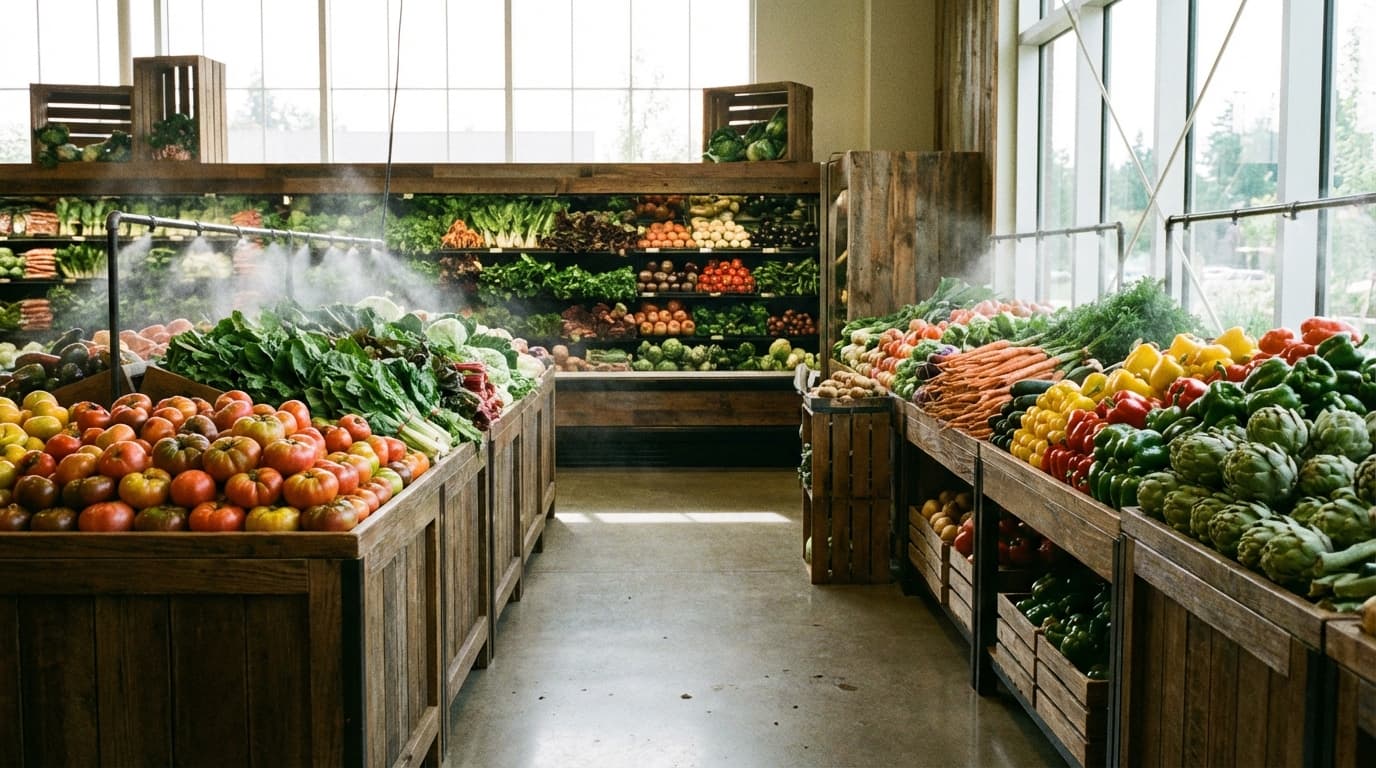
Aisles are a geography problem
Grocery lists fail in the real world when they sort alphabetically but the store sorts by refrigeration and capitalism. Categories exist to reduce walking, not to make your list look academic. If your list order fights the floor plan, you will ignore the list or backtrack until you hate shopping.
ListiMate gives you room to shape lists around how you actually move through a store. This article is about that shaping. If you want a template-first angle, editable grocery list template is a shorter product-facing page. If you want PDF output sometimes, downloadable grocery list PDF exists for print lovers.
Start from one real store
Pick the store you use most often. Name categories the way you walk: produce first if that is your entry, deli next if that is your habit. Do not copy a blogger's category order unless you share their floor plan. Stores move endcaps. They rarely move the entire dairy wall.
If you shop at multiple stores, decide whether you want one list with sections or separate lists per store. Separate lists reduce cognitive load and increase the chance you maintain them. One list with sections reduces fragmentation but needs discipline so items do not hide in the wrong section.
Categories: fewer is usually better
Micro-categories feel organized until you have thirty buckets and twelve items total. Start with a small set: produce, meat, dairy, pantry, frozen, household, bakery, other. Split only when a split saves time every week. "Snacks" might deserve its own bucket if snacks are where your household argues. "Misc" is not shameful if it keeps the rest honest.
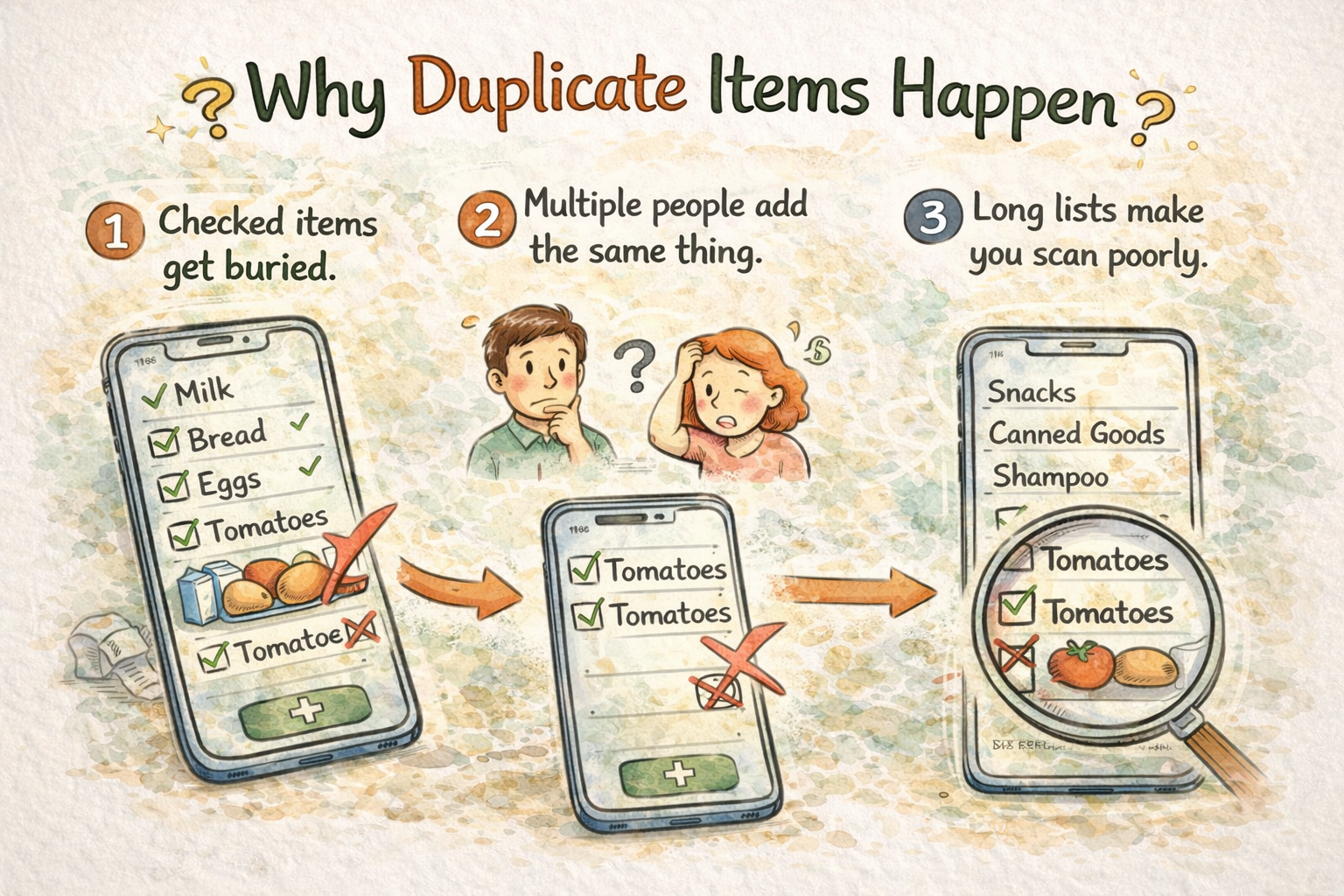
Duplicate prevention is a category problem
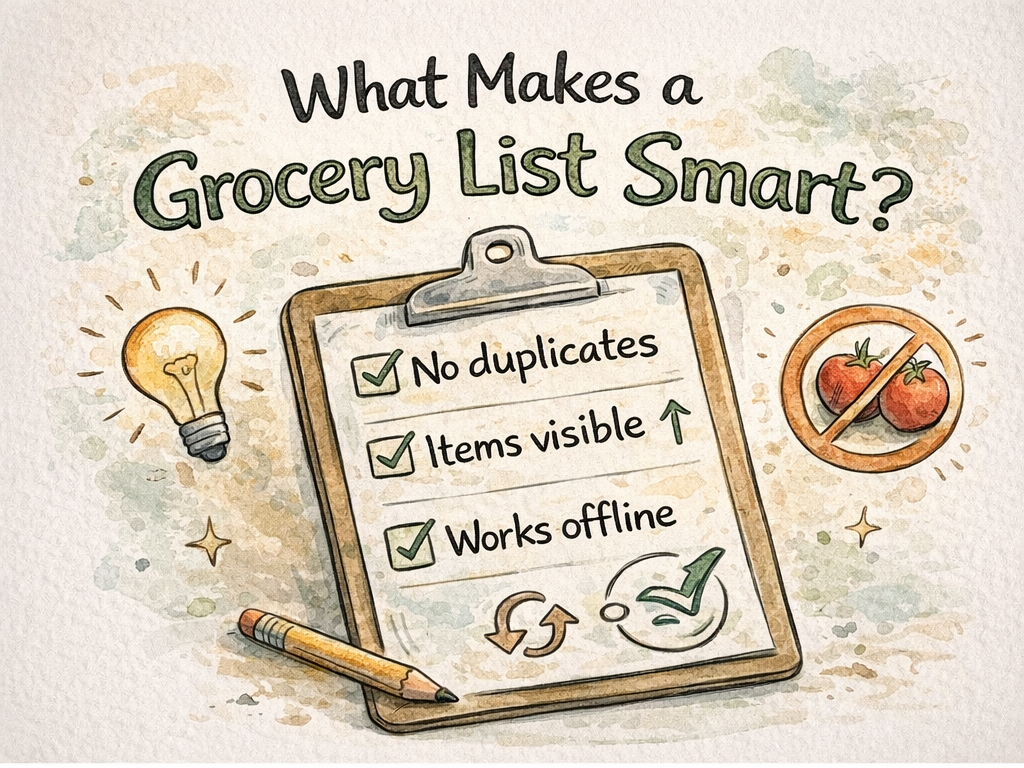
Duplicates often come from the same item appearing under two names or two sections. Standardize language. Pick "soda" or "soft drinks," not both. Pick "herbs" or list cilantro under produce. When imports add fancy synonyms, normalize them early. Normalization is boring and profitable.
If duplicates plague you, read the older blog post about duplicate prevention on the site, and pair that habit with shared grocery list app if multiple editors touch the list.
Store selection and mental routing
If your app workflow includes choosing a store for a trip, use it consistently. The point is not bureaucracy. The point is that different stores have different layouts and even different stock. Your list should not pretend every store hides tomato paste in the same aisle.
Seasonal produce and flexible categories
In summer, produce might be half your cart. In winter, frozen vegetables might rise. Let categories flex with seasons without rewriting your entire system every week. I adjust weights, not names, most of the time.
Diet lenses without losing structure
If you shop for a restricted diet, you might tag items mentally or with notes. External diet pages on the marketing site can help you seed a list: vegan grocery list, low-FODMAP grocery list, diabetic grocery list. Those pages are starting points, not medical programs. Adapt them to your labels and your store.
Zero waste and bulk
If you buy from bulk bins, your categories might include containers and refillables. The zero-waste grocery list page lines up with that mindset. You might still buy packaged food sometimes. Zero waste is a direction, not a purity test.
Camping and special trips
Special trips deserve special lists. Keep them separate from your weekly list so you do not accidentally buy twelve granola bars for a normal Tuesday. The camping grocery list page is a good seed for outdoor trips.
Emergency pantry thinking
If you stock for storms or uncertainty, treat emergency items as their own category or list. The emergency pantry grocery list page is aimed at that scenario. Rotate stock in real life, not just on paper.
Speed versus thoroughness
A tight list gets you out faster. A thorough list prevents a second trip. You cannot always optimize both. If time is the constraint, cluster categories aggressively and accept imperfect grouping. If accuracy is the constraint, accept a few more minutes in the aisle checking notes.
Notes that help in the aisle
Use notes for brand, size, and substitution permission. "Any hot sauce" is different from "this exact bottle because allergies." Notes are where households negotiate without meetings.
When lists grow too long
Long lists hide mistakes. If your list grows huge, split into "this trip" versus "later" or archive completed sections. A list that looks like a novel discourages editing. Shorter lists get maintained.
AI features and templates
If you experiment with generated lists, treat output as a draft. The marketing site mentions an AI grocery list generator experience. Generated lists still need your categories and your store knowledge. Automation without judgment is how you buy weird quantities.
Comparing list apps without losing your mind
People ask how ListiMate compares to a notes app or a spreadsheet. Notes apps sync text, but they rarely stop duplicates or think in grocery categories. Spreadsheets are powerful and hungry for maintenance. ListiMate sits in a middle space: structured enough to reduce walking, flexible enough to match your store. If you want a feature-framed pitch, shared grocery list app states the collaboration story plainly.
Seasonal swaps without reorganizing everything
When summer produce explodes, you might temporarily float fruit higher in your category order. When winter pushes you toward frozen and canned, float pantry. You do not need a new taxonomy every season. You need a gentle reorder that matches the next month of carts.
International aisles and name collisions
Stores love putting "international" sections in different places. If your list says "noodles," decide whether that means pasta or rice noodles before you shop. Notes prevent collisions. Collisions cause backtracking. Backtracking causes impulse buys near the register.
Teaching kids without turning the list into a lecture
If kids add items, they will add nonsense sometimes. I do not shame the nonsense. I edit it when needed and leave room for one treat line if the week allows. The list becomes a small lesson in tradeoffs without a speech. If the week does not allow treats, I say so in plain language in the notes, not in a guilt trip.
Rainy days and substitute stores
Sometimes your primary store is out of stock or closed. If you jump to a substitute, your category order might be wrong for that floor plan. I do a quick mental remap: produce still first if that is how I think, but I accept that frozen might be closer or farther. A rigid list is a suggestion. A flexible shopper survives a substitute store without buying three impulse items out of frustration.
Unit confusion
Lbs versus kg, bunches versus cups, cans versus cartons. Unit mistakes are how you buy twice or skip once. When imports get messy, normalize units in the item title if that is what your brain reads in the aisle. "500g" beats "about half a pound" if your store labels metric.
Checkout line discipline
The checkout line is where lists fail. Items creep in. Kids grab candy. You grab "just one" thing on the endcap. I keep my phone list open through checkout and compare the belt to the screen. It feels fussy. It saves money.
When you inherit someone else's categories
If you join a shared list with categories that do not match your brain, fix them slowly. Big rewrites in week one confuse everyone. Change one section at a time, announce it in a short note to the household, and let the new pattern settle. Shared lists are social objects.
More internal references
If you want printable output sometimes, see downloadable grocery list PDF. If you want editable templates, see editable grocery list template. If you want paleo or low-FODMAP seeds, see paleo grocery list and low-FODMAP grocery list.
Closing
Categories and store-aware organization turn a list from a bucket of words into a route through a building. ListiMate gives you the knobs. You still need to walk the floor once with attention and adjust.
Start from thelistimate.com when you want to reorganize on a big screen, then take the phone shopping. Same categories, less backtracking, fewer duplicate jars hiding behind vague labels.
If you want a budget-first organization pass, pair this article with budget grocery list. If you want a weekly rhythm, pair it with weekly grocery list planner. Tools matter less than the habit of adjusting the tool when the store changes.

Author
Ahmed Mahfouz
Founder of ListiMate.