
Product
ListiMate on web and mobile: one grocery workflow

Two screens, one list
I do not want to think about whether my grocery data "lives" on my phone or my laptop. I want it to live where I am. Sometimes I am at a desk planning the week. Sometimes I am in a coat pocket walking through automatic doors. ListiMate is built as one workflow across web and mobile so the list does not fracture into versions that argue with each other.
This article explains how to think about that split without getting lost in device theology. For product positioning on dark mode specifically, shopping list app with dark mode is the short version. This piece is longer and more habit-focused.
Planning belongs on a big screen
Typing recipes, cleaning imports, and reorganizing categories is easier with a keyboard and space. I do heavy edits on the web app when I can. I do not apologize for that preference. Phones are great for capture and terrible for bulk edits. If you are importing a long recipe from the web, do it where you can see more than six lines at once.
That does not mean the phone is second class. It means roles differ. Web for assembly. Phone for execution.
Execution belongs in your hand
The store is not a desk. You want quick taps, big targets, and the ability to check items off without precision pointing. If you only ever used ListiMate on the web, try the phone for one real shop. If you only ever used the phone, try the web for one planning session. The workflow clicks faster when each device does what it is good at.
Sync is the invisible feature until it breaks
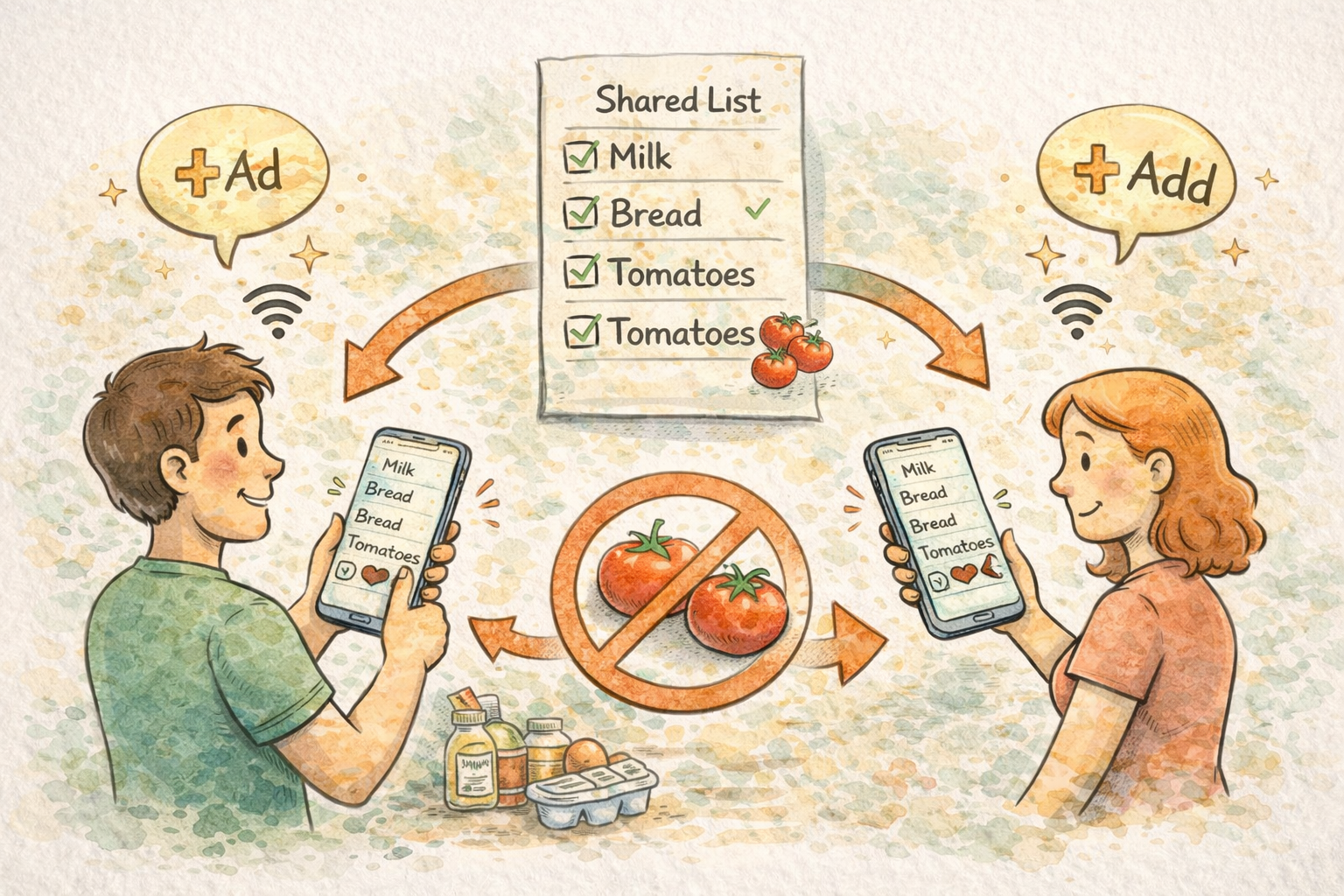
Real-time sync matters when two people shop or when you add something from the office and someone else is already in the produce section. The goal is not magical thinking. The goal is convergence: one list state that everyone trusts.
Offline behavior still matters because networks fail. ListiMate is designed to stay usable offline and reconcile when connectivity returns. Read the family-oriented explainer at offline grocery app for families if you want the same idea with different wording.
Accounts and continuity
Your account ties devices together. If you bounce between phone and laptop, log in once on each and then stop thinking about it. The failure mode is creating parallel lists because someone used a different sign-in method. If that happens, merge habits before you merge data. Pick one account and standardize.
Join links and shared entry points
Households do not always start from the same onboarding path. Someone installs the app first. Someone else prefers the web. Invite flows matter because they reduce friction for the late joiner. If you are sharing with a partner, the couple-oriented page couple's grocery list is a gentle entry point that still points back to the same product.
Web app and notifications
Phones handle push notifications more naturally than browsers. If reminders matter to your household, configure them where they actually fire. If you hate notifications, keep them off and rely on rhythm instead. The tool should fit your attention budget, not the other way around.
Browser tabs and focus
A common mistake is leaving the list in a tab for weeks until it becomes mental clutter. I close the tab after a shop and reopen fresh for planning. That small reset keeps the list from feeling like a backlog of old mistakes. Your list is not a todo list for your entire life. Keep it grocery-shaped.
Performance and patience
On slow networks, be patient with sync. If something looks wrong, pull to refresh before you assume data loss. Most "loss" is lag. If you truly lose data, that is a bug report, not a habit problem. I mention this because panic-deleting duplicates creates real duplicates.
Accessibility and eyesight
Dark mode is not just aesthetics for everyone. If bright UIs fatigue you, switch themes in settings and keep the same workflow. See shopping list app with dark mode for the product angle.
Weekly planning from the web
If you plan meals on the web, link that habit to a weekly list template. The weekly grocery list planner page is a good external anchor for that rhythm. Monthly stock-ups pair with monthly grocery list for bulk shoppers when your cadence is longer.
Students and budget shoppers
If you mostly shop on foot between classes, the phone is primary. If you occasionally sit in a library and plan, the web is primary. The college student grocery list page meets that reality halfway.
What to ignore
Ignore perfectionist device rules you read online. Ignore the idea that "real" users only use mobile. Ignore shame about using a laptop for groceries. Use what reduces errors.
Meal plan and list viewer on the web
When you use the web app for meal planning, you are often looking at more context at once than a phone screen allows. That is the point. Zoom out, drag items, fix categories, and then pocket the phone for the execution step. If you reverse that order, you end up doing delicate edits on a small keyboard while standing in line. Nobody wins.
Recipes on phone versus web
Saving a recipe can happen on the phone in a moment of inspiration. Cleaning that recipe is miserable on a tiny screen if the import was messy. My rule: capture fast, clean on web. If I break the rule, I pay for it later with duplicate lines and weird units.
Data anxiety and healthy habits
Some people fear sync because they once lost a note in an app a decade ago. I get it. The healthy habit is small checkpoints: after a big edit, scroll the list once. After a shop, archive or clear completed sections so the next week starts clean. Anxiety feeds on ambiguous state. Clean state reduces anxiety even when nothing was actually wrong.
Cross-linking for your own household docs
If you keep a family wiki or a shared note with budgets, link out to weekly grocery list planner or monthly grocery list for bulk shoppers as stable URLs. The marketing pages change slower than chat threads. Stable URLs are underrated for households that reorganize advice every few months.
Students, roommates, and device mix
College housing often means one person has a laptop and everyone else lives on phones. That asymmetry is normal. The person with the laptop can own imports and category cleanup. The people on phones can own midweek adds. Write that split down somewhere boring so nobody invents a new process during finals week.
Widgets and glanceable urgency
On iOS, home screen widgets can surface urgent items without opening the app. That is not a replacement for the full list. It is a nudge. If you use widgets, keep them aligned with the same list source so you never maintain two truths. A widget that disagrees with the main list is worse than no widget.
Deep links and shared entry
If someone sends you a join link, treat it like onboarding, not like a one-tap miracle. You still need to sign in, confirm the right account, and verify you see the same items as the person who invited you. Thirty seconds of verification beats an hour of silent duplication.
Privacy and screenshots
Do not screenshot a shared list and post it publicly if it contains your household's real patterns. That sounds obvious until someone does it for "content." If you share tips online, blur names and addresses. Groceries are personal in ways people underestimate.
When you change phones
Migrating phones is boring and stressful. After you sign in on the new device, open the list once on Wi-Fi, scroll it, and confirm counts look sane before you delete the old phone. Most issues are timing, not loss. Panic creates duplicate edits.
Pairing with diet landing pages from mobile
If you build a list from a diet page on your phone, open the page in the browser, copy the mental checklist, then switch to the app for structure. Good pages for that flow include vegetarian grocery list and diabetic grocery list. The page gives vocabulary; the app gives routing through the store.
Keyboard shortcuts and muscle memory on web
If you spend real time planning on a laptop, small habits accumulate. Keep the list in a pinned tab during planning week. Close it after shopping so the tab does not become background noise. When you reopen it, you want a fresh mental frame, not a stale scroll position from last month.
Voice memos versus typed lists
Some people think better aloud. If you dump a voice memo, translate it into the list when you are back at a keyboard. Voice is great for capture and bad for structure. Structure is where duplicates die.
Closing
One workflow means you trust the list on every screen. ListiMate tries to earn that trust with sync and offline resilience. You still choose when to plan and when to shop. Start from thelistimate.com when you want the web, keep the phone for the store, and let both be the same list.
If you want a feature-framed overview of sharing, add shared grocery list app to your reading queue. It pairs with this article without repeating every sentence.

Author
Ahmed Mahfouz
Founder of ListiMate.