
Grocery List Tips
How to Create a Smart Grocery List in Under 3 Minutes
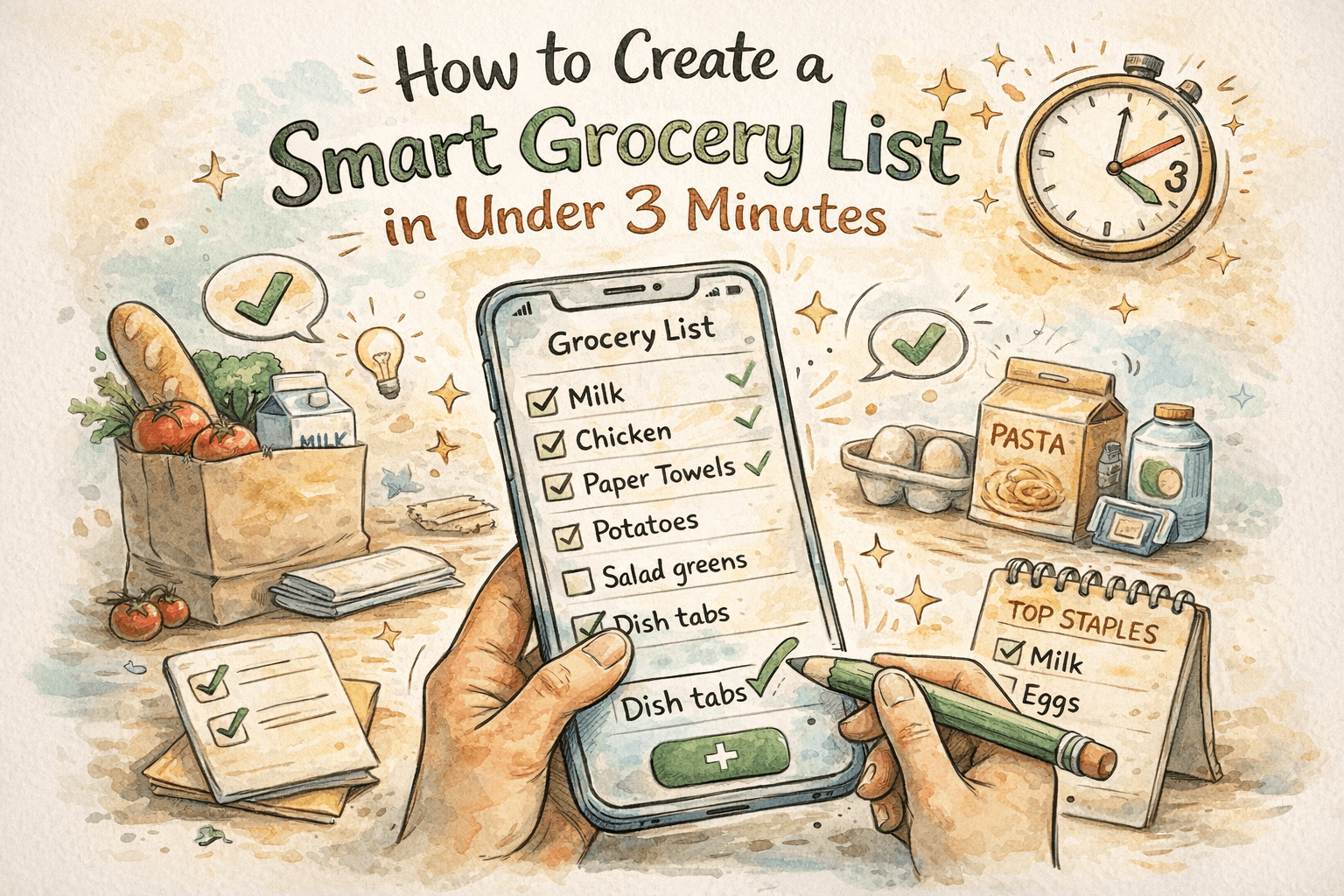
A smart grocery list is not about fancy features. It is about speed, clarity, and reliability. You should be able to open your list, see what you need, and shop without second-guessing. The best part? You can build that list in under three minutes, even on a busy day.
This guide gives you a simple, repeatable method that keeps your list clean, prevents duplicates, and makes shopping faster. It also shows how ListiMate supports the workflow with a minimalist interface, smart list behavior, offline access, and easy sharing.
If you are tired of messy lists and want a system that stays organized week after week, this is for you.
What makes a grocery list "smart"?
A smart grocery list does three things:
- It prevents duplicates. You should never have two entries for the same item.
- It keeps items visible. The items you need right now should be at the top.
- It works everywhere. Your list should be reliable even when you are offline.
When a list does these things, it becomes a tool you trust. That trust saves time, money, and mental energy.
The 3-minute smart grocery list routine
Here is the exact workflow. It is designed to be fast and repeatable.
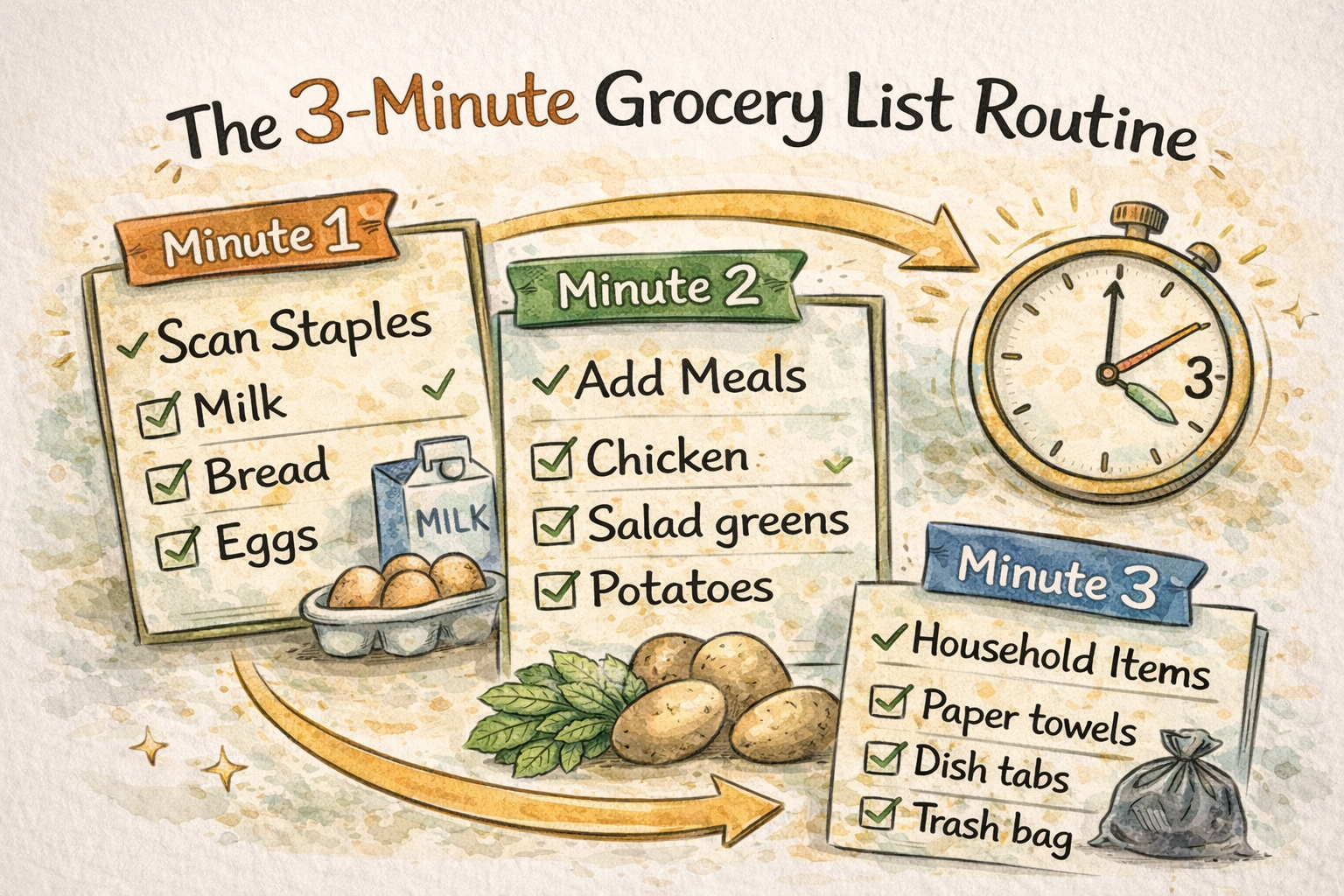
Minute 1: Scan your staples
Start with the items you buy often. This keeps your list short and accurate.
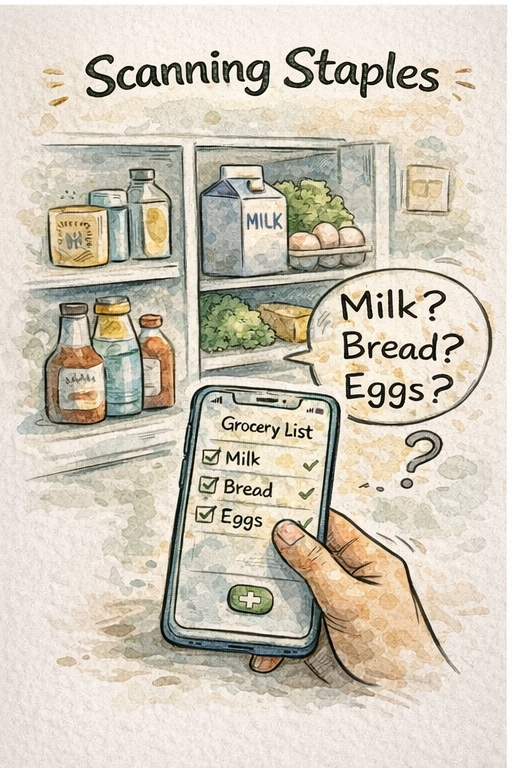
Ask yourself:
- What do I buy almost every week?
- What did I run out of this week?
Examples:
- Milk
- Eggs
- Bread
- Fresh produce
In ListiMate, just uncheck the item if it already exists. It moves to the top automatically. If the item is not there, add it once.
Minute 2: Add meals for the week
Pick 2 to 4 meals you plan to cook. Add the ingredients you do not already have.
Keep this simple:
- One protein
- One vegetable
- One side
Example:
- Chicken
- Salad greens
- Potatoes
This step gives structure to your list and reduces impulse buys.
Minute 3: Add household and one-off items
These are the items you only need occasionally:
- Paper towels
- Dishwasher tabs
- Trash bags
Add them once, and remove them after the trip. This keeps your list from growing into a cluttered archive.
That is it. In three minutes, you have a list that covers staples, meals, and household needs without duplicates.
Why this routine works
This routine stays fast because it is not reinvented every week. You are reusing a clean list, not writing a new one from scratch.
Key benefits:
- You stop re-adding the same items. Uncheck and move on.
- You see your most common items first. That reduces scanning time.
- You are less likely to forget ingredients. Meal-based items are grouped in your mind.
- You keep the list short. Short lists are easier to trust.
When the list is reliable, you shop faster and buy only what you need.
How ListiMate makes it even faster
ListiMate is built around the exact problems this routine solves. It keeps lists clean without extra steps.
Here is how it supports a smart grocery list:
- No duplicates by default. If you try to add an item that already exists, it stays as one entry.
- Smart list behavior. When you uncheck an item, it moves back to the top, so you can reuse it instantly.
- Minimalist interface. Fewer distractions make the list easier to scan in a busy store.
- Offline-friendly. You can shop with no signal and sync later.
- Works on all devices. Lists stay synced across Android and iPhone.
- Shareable lists. Families and roommates can update the same list without chaos.
- Move items between lists. If you added something to the wrong list, just move it.
This is the difference between a generic notes app and a purpose-built grocery list tool.
The 3-minute checklist you can reuse
Use this as a quick reference:
- Staples: Uncheck weekly items you need again.
- Meals: Add 2 to 4 meals and missing ingredients.
- Household: Add any one-off supplies.
Done.
If you can keep the list short and predictable, you are already ahead of most shoppers.
A simple smart list template
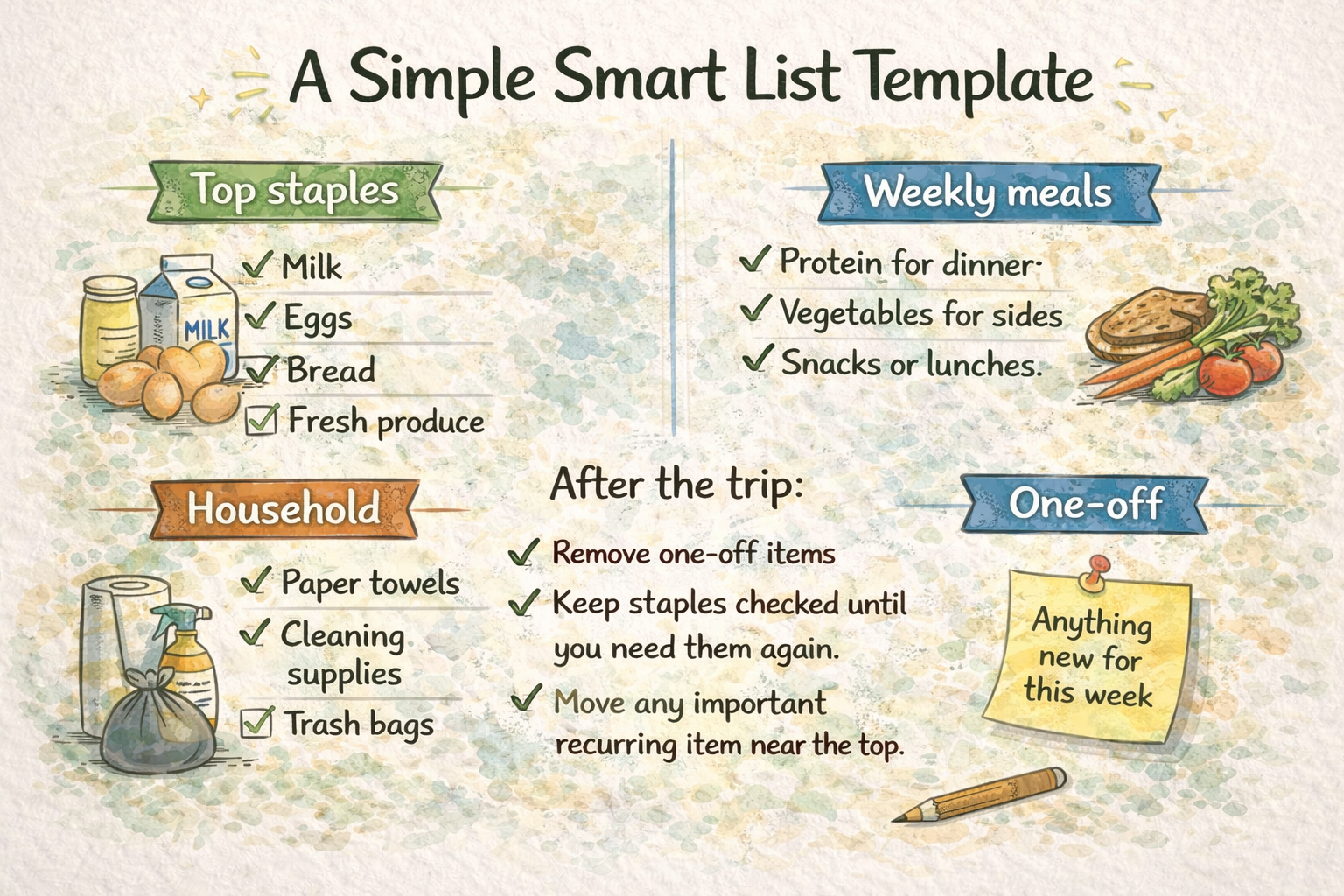
Keep a consistent structure so your list feels familiar every time you open it.
Top staples
- Milk
- Eggs
- Bread
- Fresh produce
Weekly meals
- Protein for dinner
- Vegetables for sides
- Snacks or lunches
Household
- Paper towels
- Cleaning supplies
- Trash bags
One-off
- Anything new for this week
After the trip:
- Remove one-off items.
- Keep staples checked until you need them again.
- Move any important recurring item near the top.
This keeps your list clean and prevents duplicates from creeping in.
The biggest mistake people make
The most common mistake is recreating the list from scratch every week. That adds time, increases duplicates, and makes the list feel unreliable.
Instead, treat your list like a living template. You should only toggle items and add a few new ones. The more you reuse the list, the faster it becomes.
Shared lists: how to keep them smart
Shared lists are one of the most useful features of a grocery list app, but they can also create duplicates if people add the same item.
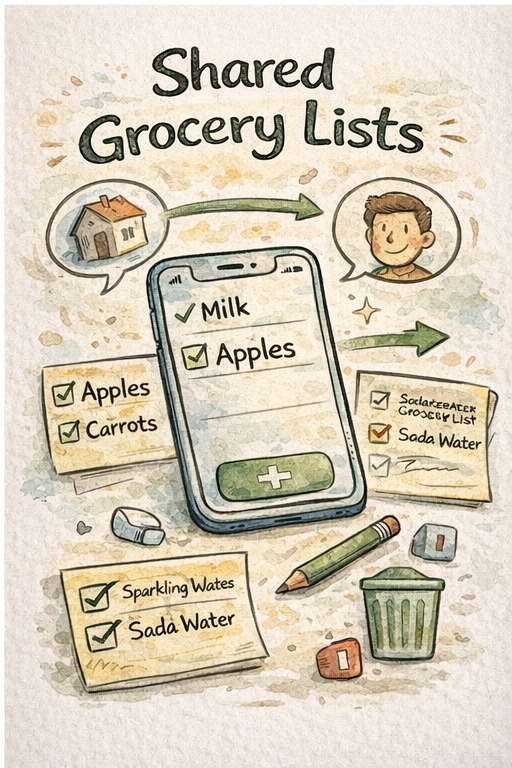
Here are simple rules to keep a shared list clean:
- Use one list for the household.
- Agree on item names (for example, "sparkling water" vs "soda water").
- Ask everyone to check before they add.
- Remove one-off items after shopping.
- Use a list that prevents duplicates automatically.
ListiMate handles the duplicate prevention for you, which makes shared lists calm and predictable.
Offline grocery lists matter more than you think
Even a perfect list fails if it goes down in the store. Grocery stores often have weak Wi-Fi or poor signal in some aisles.
An offline-friendly list means:
- You can check items without delay.
- You can add items even in the freezer aisle.
- Your list syncs when you are back online.
This is a small detail, but it is a huge part of creating a list you can trust.
Privacy and control are part of a smart list
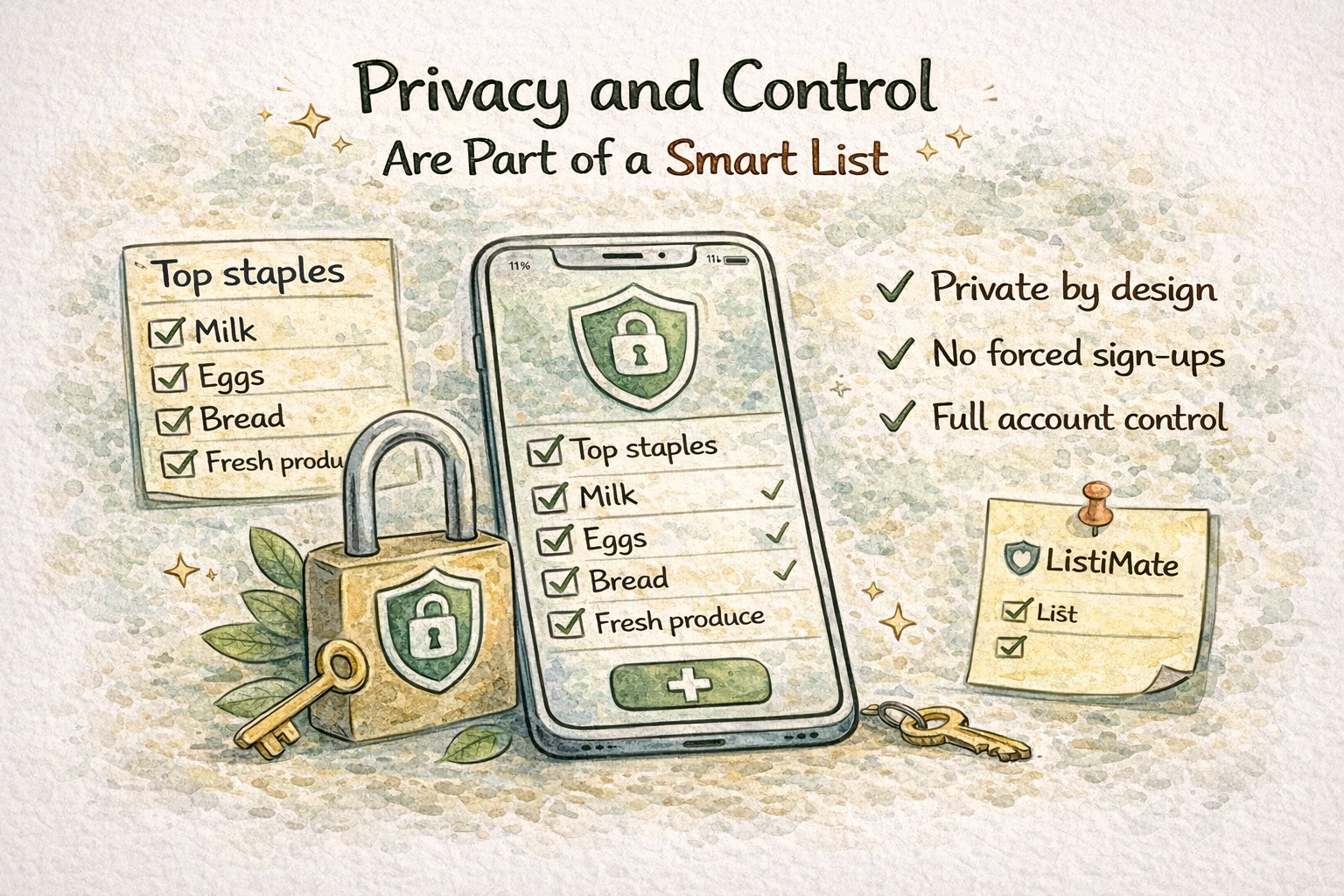
A list that stays organized is useful. A list you can trust is even better. Many apps push you to create accounts or collect more data than you need just to handle a simple shopping list.
ListiMate takes a lighter approach:
- Private by design. Your data stays on your device unless you choose to share a list.
- No forced sign-ups. You can start immediately and only sign in when you want to share.
- Secure sharing. Invites use expiring tokens so only the people you choose can join.
- Full account control. You can delete your account, and shared lists can be handed off so nothing gets lost.
This matters for day-to-day use. When privacy and control are clear, the list feels safe to rely on long term.
Optional reminders that actually help
The fastest list is the one you remember to use. Light reminders can help, but only if they are respectful and not noisy.
ListiMate supports smart reminders that:
- Trigger only when you have enough items to make the trip worth it.
- Run at a time you choose, so they fit your routine.
- Keep the list visible before you leave the house.
This reduces the chance of forgetting items and re-adding them later, which keeps the list clean.
Quick troubleshooting: when lists still feel messy
If your list starts to feel cluttered, use this quick reset:
- Remove one-off items you will not buy again.
- Move your top staples back to the top.
- Uncheck only what you need this week.
- Keep just one list per store.
This reset takes two minutes and brings the list back to a clean, predictable state.
Make your list shop-friendly
Speed in the store depends on order. A smart grocery list is not just about what is on it, but how it is arranged. The easiest list to shop is the one that matches the way you walk through the store.
To keep the list shop-friendly:
- Reorder items by aisle. Keep produce, dairy, and pantry grouped.
- Pin your top staples. Items you always buy should stay near the top.
- Drag and drop when needed. A quick reorder makes the next trip faster.
ListiMate lets you reorder items easily, so the list feels tailored to your routine. When the list matches your store path, you spend less time backtracking and more time getting out of the store.
Frequently asked questions
How do I make a grocery list faster?
Use a reusable list and only toggle items you need. Add meal-based items for the week and a few household supplies. Avoid recreating the list from scratch.
What is the best way to keep a list organized?
Keep it short, reuse the same list, and remove one-off items after shopping. A list that prevents duplicates will stay clean automatically.
Should I use a shared grocery list?
Yes, if you shop with other people. Shared lists prevent double-buying and make it easier to split errands. Just make sure the list syncs quickly and avoids duplicates.
Do I need internet to use a grocery list app?
Not with the right app. Offline support ensures you can shop and edit your list even with weak signal.
Bottom line: smart lists are simple lists
You do not need a complex system to shop smarter. You need a grocery list that is fast, clean, and reliable. A three-minute routine and a smart list app are all it takes.
If you want a grocery list that prevents duplicates, keeps your items visible, and works on every device, ListiMate is built for that. Try it and see how much faster your weekly shopping can feel.

Author
Ahmed Mahfouz
Founder of ListiMate, focused on building smarter shopping habits.