
Productivity
How to organize a grocery list so the store stops fighting you
A messy list does not just slow you down. It trains you to scan badly. You reread the same lines, you backtrack across the store, and you buy duplicates because the earlier entry was checked and buried. Organization is not about aesthetics. It is about reducing search time while you are pushing a cart around strangers who stop in the middle of the aisle.
This guide walks through how I think about categories, when to write the list, how to handle recurring staples, and how to keep seasonal or promotional items from wrecking an otherwise stable template. It pairs well with ListiMate features like duplicate prevention and smart check behavior, but you can use the ideas on paper if you must. Paper just breaks sooner under shared households.
If you want diet-specific vocabulary as a starting point, pages like vegetarian grocery list or zero-waste grocery list give you language you can paste into your own structure.
Start with categories that match your store, not a blog template
Generic categories are fine for beginners: produce, dairy, meat, pantry, frozen, household. The pro move is renaming them to match the floor plan of the stores you actually use. If your primary store puts dairy along the back wall and produce up front, your list order should reflect that walk. The goal is one mostly linear path, not a scavenger hunt.
Some people keep parallel categories for different stores. That sounds like extra work, and it is, until you shop two stores weekly and realize the alternative is constant mental translation. If you only have one regular store, keep it simple.
Write the list when you are not rushing
Friday at 6pm is a bad planning window. You are tired, you forget staples, and you add impulse items that looked urgent in the moment. I like a short Sunday scan of the pantry and a Monday top-up for the week. Your rhythm might differ. The point is to separate planning from execution.
Planning is where you fix categories, merge duplicate lines, and convert vague words into buyable details. Execution is where you shut up and shop. Mixing the two is how you end up editing line items while someone behind you waits for cheese.
Recurring staples first
If you buy the same yogurt, eggs, and bread most weeks, put them in first or keep them in a pinned section. That sounds obvious, yet people still rebuild from scratch every week as if groceries were a surprise event. Staples-first reduces blank-page anxiety and makes omissions obvious. If eggs are always on the list and suddenly they are not, you notice.
Merge similar lines early
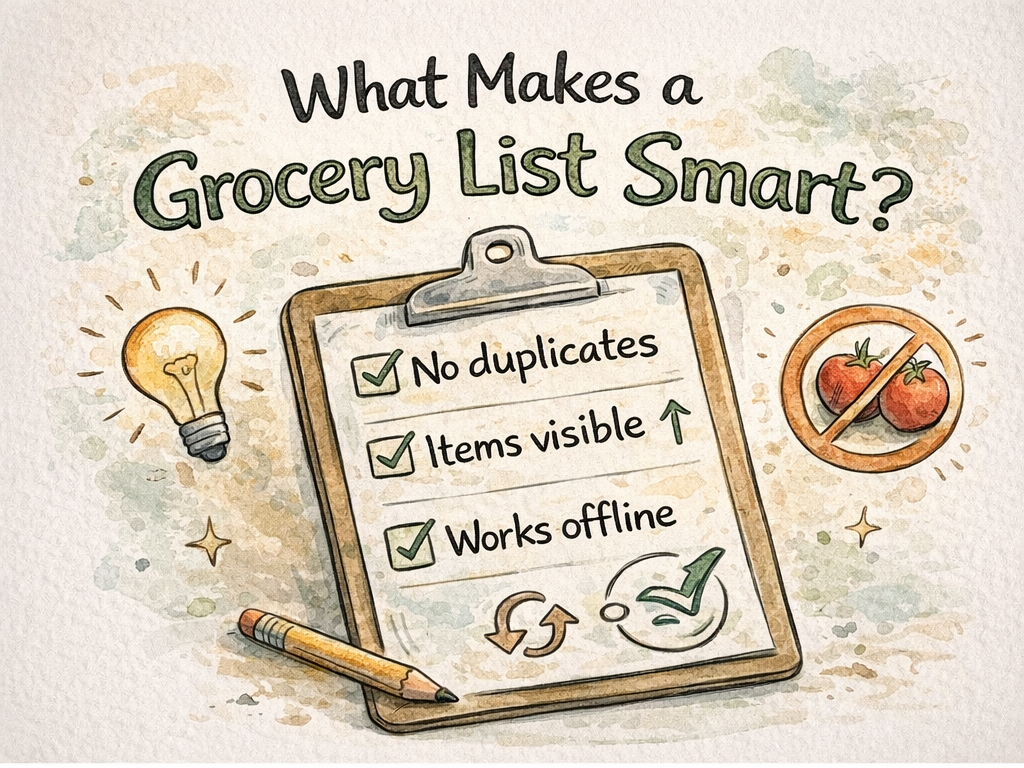
"Tomatoes" and "cherry tomatoes" can coexist when you need both. Two lines that say "tomatoes" because two people added them is clutter. If your tool prevents duplicates automatically, lean on it. If not, merge during planning. The merge habit is cheaper than the return trip habit.
Quantities and sizes in plain language
"Milk" starts fights. "Milk 2 percent half gallon" does not. You do not need a novel. You need enough detail that any household member can buy the right package. If you always buy the same brand, the brand can be implied. If you rotate, write it down.
The same rule applies to canned goods and proteins. "Beans" is not enough for a pantry that stocks both black and cannellini. A short extra word saves a text message from the store.
Priority markers without neon chaos
Some items are truly urgent: baby formula, medication-adjacent foods, the one ingredient for dinner tonight. Mark those clearly. If everything is marked urgent, nothing is. I prefer a tiny note field over all-caps screaming. Calm lists get followed. Chaotic lists get ignored.
Seasonal and promotional items on their own
Pumpkin spice season and random buy-one-get-one deals clutter a core list if you let them. Keep a small section for promos and limited runs. When the week ends, clear it. Otherwise October candy lives on your list until spring.
Review before checkout, not while checking out
Thirty seconds in the cereal aisle beats thirty seconds at the register with a line behind you. Scan for missing categories. Scan for missing quantities. If you shop with someone else, agree on the review moment so you are not both doing redundant passes.
Sharing without duplicate buys
Shared lists fail when two people buy the same heavy item because neither saw the other's plan. Real-time updates help, but habits help more. If you split by section, write that down somewhere boring. Produce versus pantry is a simple split for couples. For larger households, assign aisles, not just people.
The grocery list for large family page speaks to volume and coordination without pretending every family looks the same.
Templates from good weeks
When a week goes smoothly, clone that list as a template. Next week starts from a sane baseline. Templates are not superstition. They reduce decision fatigue. If your diet shifts seasonally, keep two templates: winter cooking and summer cooking, for example.
The weekly grocery list planner page is a good external link if you want a simple reminder outside this blog.
Monthly stock-ups live elsewhere
Bulk buying does not always fit a weekly rhythm. If you buy rice or toilet paper monthly, those lines can live on a separate monthly pass or a dedicated section so they do not pollute a weekly run. The monthly grocery list for bulk shoppers page matches that cadence.
Students and small kitchens
If you share a fridge with roommates, organization is conflict prevention. Keep shared staples visible and personal snacks labeled in notes. The college student grocery list page is aimed at tight budgets and tight space.
Diet tags without turning the list into a spreadsheet
If someone in the house eats gluten-free and someone else does not, tags or short notes beat arguments at the shelf. You do not need a full taxonomy. You need clarity on the few lines that matter. See gluten-free grocery list for vocabulary if you are new to that shopping style.
Accessibility and eyesight
Small type is hard under store lights. If your app supports themes, use one that reads well for you. The shopping list app with dark mode page covers why that is not just cosmetic.
What to do when the list is long anyway
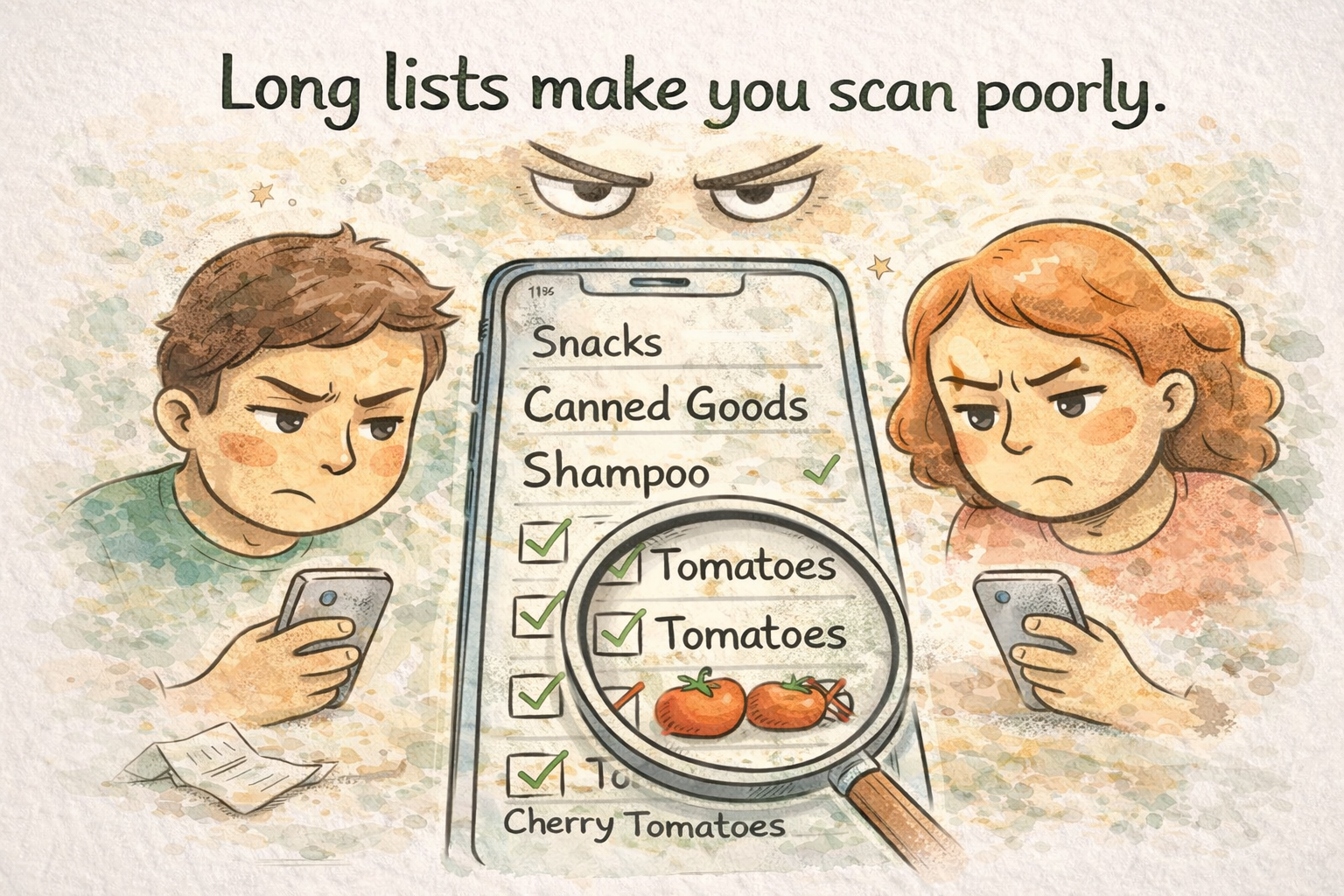
Sometimes life is busy and the list grows. When that happens, group aggressively and consider splitting into two trips rather than one heroic haul. Long lists increase scan errors. If you must go long, walk the categories in order and avoid jumping around. Jumping is how duplicates sneak in.
Paper versus digital habits
Paper is fast to jot. Digital is better for shared households and history. If you hybridize, decide where the truth lives. Two truths create duplicate purchases and hurt feelings.
Closing habits
After shopping, archive or clear what you no longer need. A list that carries old junk feels mentally heavy. Next week should start clean enough that you are not scrolling through ghosts of meals you never cooked.
If you only change one thing
Merge duplicates during planning, not during shopping. That single habit saves more time than any color-coding scheme I have tried.
Voice capture and the translation step
Some people think better aloud. If you dump a quick voice memo while cooking, translate it into the real list when you have two minutes at a keyboard. Voice is great for capture and bad for structure. Structure is where categories earn their keep. If you skip translation, you paste chaos into a shared list and train your household to ignore it.
The "one last pass" rule before you leave home
Open the fridge once. Open the freezer door once. Check coffee and cooking oil at the same time. Those three checks catch a surprising share of midweek return trips. The list is only as good as the pantry scan that feeds it.
When you shop two stores on one day
Split the list by store or accept that you will walk one store twice mentally. I prefer explicit sections: Store A and Store B. Mixing them in one sequence creates backtracking even when each store internally is fine. If you alternate weeks instead, keep last week's notes so you do not lose track of specialty items.
Closing
Great lists are boring in a good way. They are predictable to scan, honest about quantities, and split into sections that match how you actually walk a store. ListiMate is built around those habits with smart check, duplicate prevention, and sync when multiple people touch the same list.
Start from thelistimate.com if you want the product, or keep reading the blog for collaboration and meal planning pieces that go deeper on adjacent problems.

Author
Ahmed Mahfouz
Founder of ListiMate, focused on building smarter shopping habits.