
Grocery List Tips
No-Duplicate Grocery Lists: The Simple System That Saves Time and Money
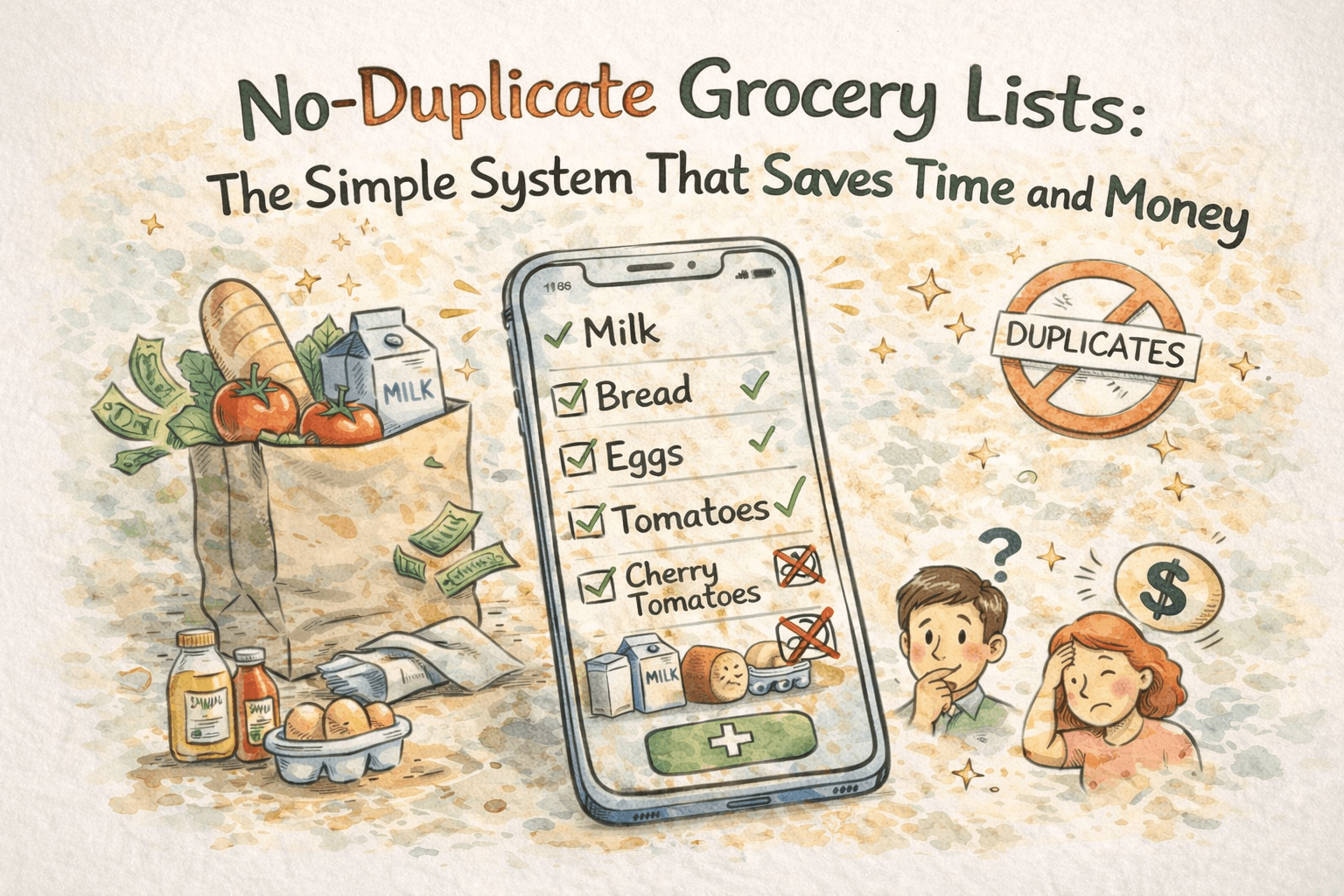
Duplicate grocery items are a silent budget killer. You grab milk because you are not sure you already bought it. You add tomatoes again because the old one is checked but buried far down the list. You get to the store and realize you bought the same snack twice this week. These small mistakes are common, especially with busy schedules, shared lists, or long shopping runs.
The solution is not a bigger app with more features. It is a simple system that prevents duplicates, keeps your list tidy, and helps you find what you actually need to buy. This guide shows you a clean, repeatable grocery list workflow you can use every week, plus a practical way to keep items organized when you shop on mobile, share lists with family, or go offline in a store with weak Wi-Fi.
If you want a no-duplicate grocery list that stays fast and clean, read on.
Why duplicate items happen (and why it matters)
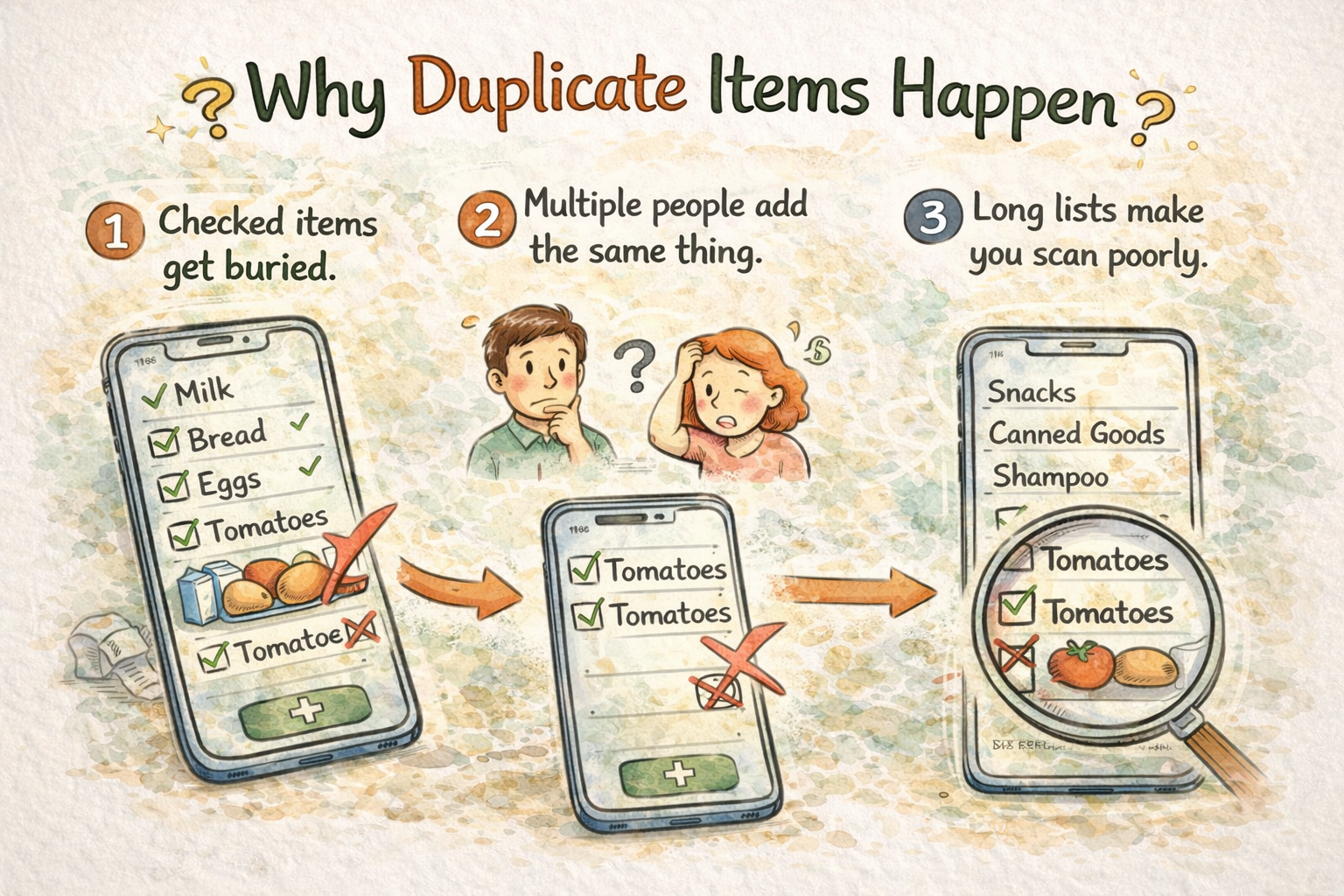
Duplicates happen for three reasons:
- Checked items get buried. You mark an item as bought, it sinks to the bottom, and later you add the same item again instead of unchecking it.
- Multiple people add the same thing. Shared lists are great, but without guardrails, two people add the same item because they do not see each other’s edits fast enough.
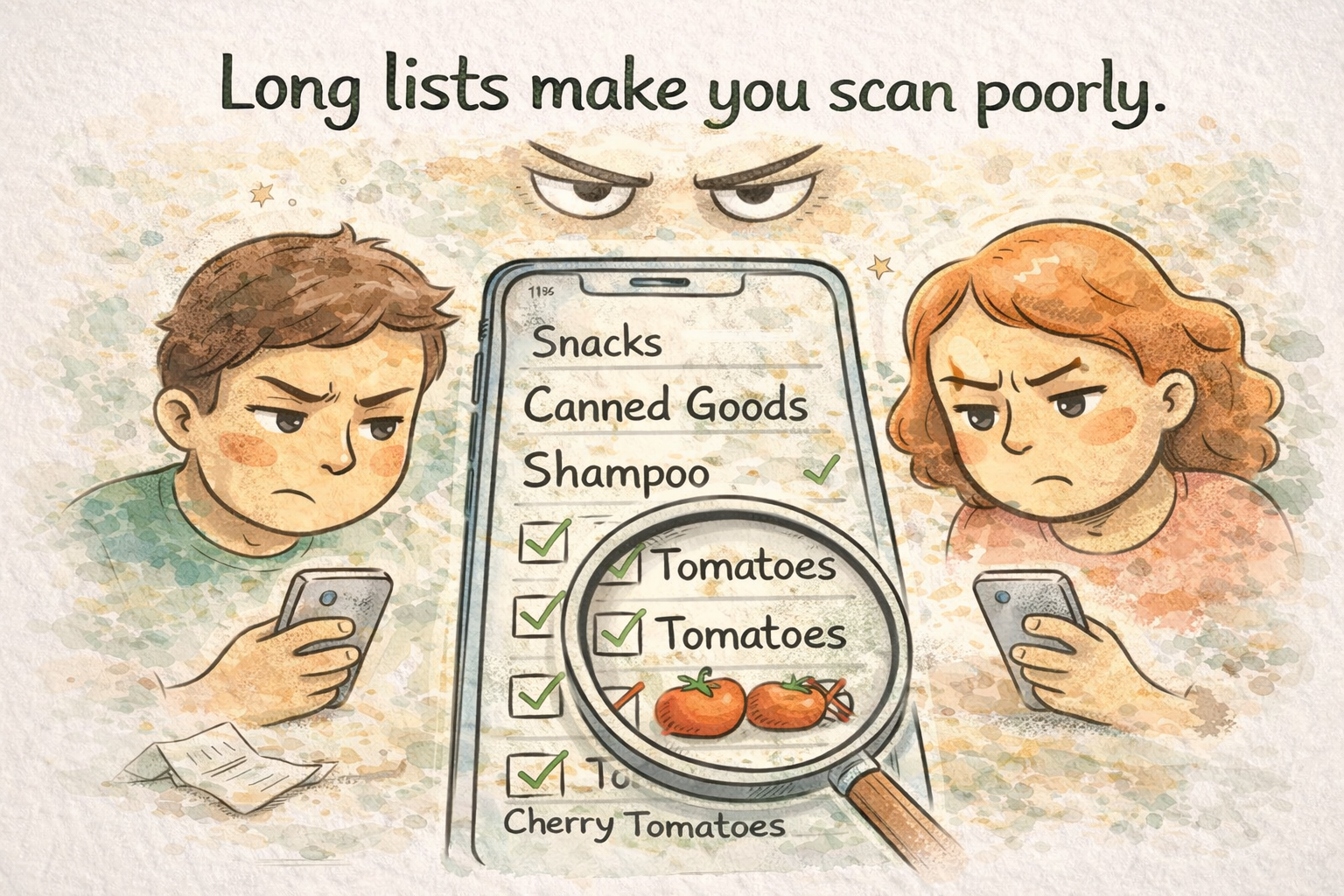
- Long lists make you scan poorly. The longer the list, the more likely you miss that the item is already there.
These duplicates lead to:
- Extra spending on items you already have.
- Wasted time in-store deciding which item is correct.
- Clutter that makes your list feel messy and unreliable.
The goal is a list that behaves like a smart inventory: one item, one place, always easy to find.
The no-duplicate grocery list system
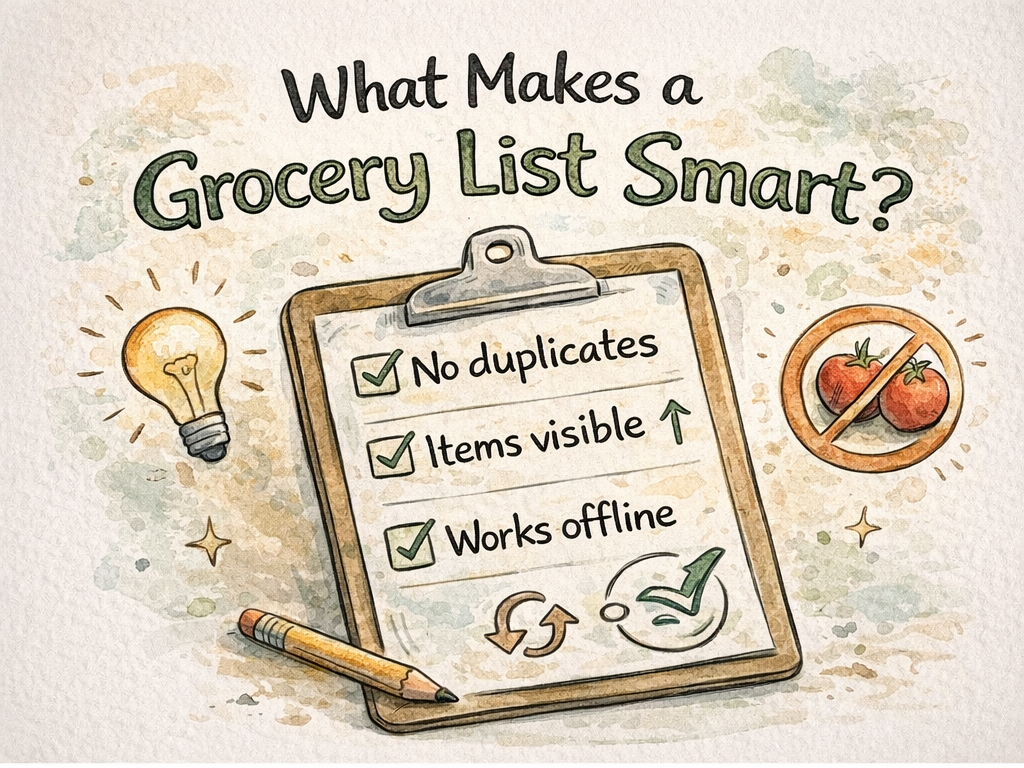
This system has five steps. It works with any list app, but it is especially effective when the app actively prevents duplicates and keeps your items visible at the top.
1) Use a single master list for each store
If you regularly shop at one or two stores, keep one list per store instead of one mega list for everything. This makes scanning faster and reduces the chance of re-adding items you already checked in another context.
Example:
- "Weekly Groceries - Main Store"
- "Quick Stops - Convenience Store"
Keep the number of lists small so you do not lose track of where items belong.
2) Add items once, then toggle them instead of re-adding
The no-duplicate rule is simple: if an item exists, do not add it again. Just uncheck it. This keeps one canonical entry for each item and makes your list consistent week to week.
A smart list should make this easy by moving unchecked items to the top, so the things you need now are always visible.
3) Keep frequently bought items near the top
Whether you drag and drop items or your app sorts them automatically, your most common items should stay near the top. This reduces scanning time and makes it less likely that you re-add something you already have.
If you buy eggs every week, they should not be buried. A fast list puts eggs near the top or brings them back to the top when you uncheck them.
4) Add a short weekly routine
Once a week, run a 3-minute reset:
- Uncheck items you need this week.
- Remove one-off items you no longer buy.
- Move top staples back near the top if needed.
This small routine keeps the list accurate and prevents clutter from piling up.
5) Use offline support so your list never breaks
Grocery stores often have weak signals. If your list app fails to sync at the wrong moment, you are more likely to add duplicates or miss items. Offline-friendly lists ensure you can always check items and edit the list, then sync later.
If you are building a routine that you trust, offline support is not optional. It is a requirement.
How ListiMate helps prevent duplicates
ListiMate is designed to solve the exact duplicate problem that people experience with generic note apps. It keeps the list clean and predictable.
Here is how:
- No duplicates by default. If you try to add an item that is already on your list, it stays as a single entry.
- Smart list behavior. When you uncheck an item, it moves back to the top. That means you do not need to re-add it, you just toggle it.
- Minimalist design. Less clutter makes it easier to scan and spot existing items.
- Offline-friendly lists. Keep shopping even if you lose signal, then sync later.
- Cross-device sync. Your list stays consistent on Android and iPhone.
- Shareable lists. Family and roommates see the same list, without duplicate chaos.
- Move items between lists. If you add something to the wrong list, just move it instead of deleting and retyping.
The result is a grocery list that behaves like a smart assistant instead of a messy scratchpad.
A privacy-first list you can trust
A clean list is only useful if you trust it. That means your data should stay yours, and you should not be forced into accounts or tracking just to buy groceries.
ListiMate is built with privacy in mind:
- Private by design. Your data stays on your device unless you choose to share a list.
- No forced sign-ups. You can start immediately, and only sign in if you want to share lists.
- Secure sharing. List invites use time-limited tokens so only the people you invite can join.
- Full account control. If you decide to leave, you can delete your account, and shared lists can be handed off.
This keeps the experience lightweight and reduces friction, which makes it easier to keep your list accurate week after week.
Optional reminders that do not overwhelm you
People often forget items because the list is hidden at the wrong moment. Smart, minimal reminders help without becoming noise.
ListiMate supports gentle reminders based on your routine. You can set a preferred time and a minimum item threshold, so you only get a notification when it actually matters. That keeps your list visible at the right time and lowers the chance of re-adding items after a missed trip.
A practical example: tomatoes, the repeat offender
Let us say you buy tomatoes every week.
- You check tomatoes as bought.
- They move down or get hidden.
- You need them again next week.
- You see "tomatoes" in the list, uncheck it, and it moves back to the top.
That is it. You never create a second "tomatoes" entry. You never waste time searching. Your list stays clean.
If your list app does not make this flow easy, it will always create duplicates. A smart list makes the right action the fastest one.
Tips for shared grocery lists without duplicates
Shared lists are one of the biggest reasons duplicates appear. Here is how to avoid it:
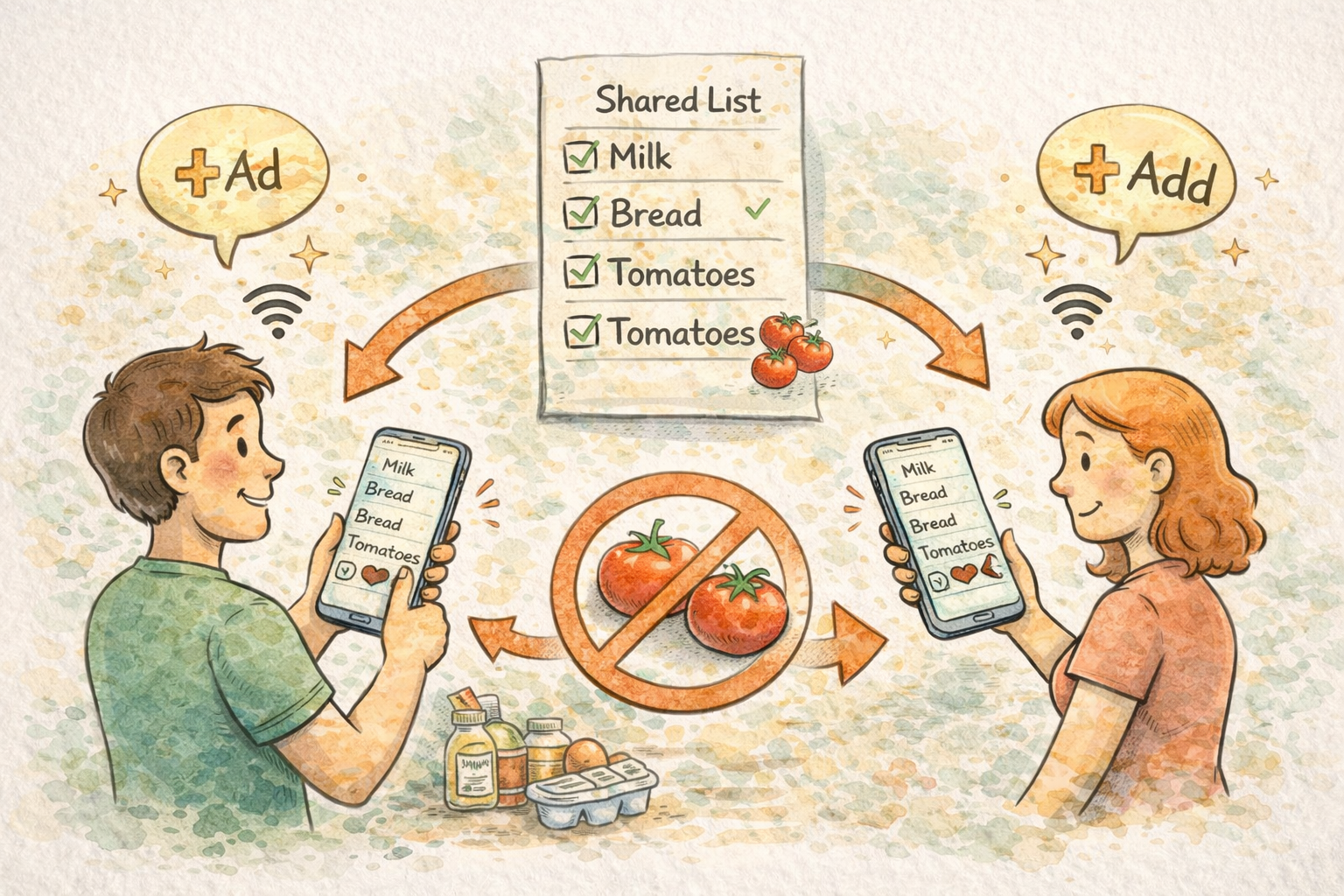
- Use one shared list per household. Avoid separate lists with overlapping items.
- Agree on item naming. Decide on names like "sparkling water" vs "soda water" to avoid duplicates by wording.
- Keep the list short. Remove one-off items after a shopping trip.
- Check before you add. Scan the list quickly to see if the item exists.
- Enable smart list behavior. Items you uncheck should rise to the top so everyone can see them.
With the right habits and a list app that prevents duplicate entries, shared lists stay clean even with multiple people adding items.
A simple grocery list template (no duplicates)
Use this template to keep your list clean and organized:
Top staples
- Milk
- Eggs
- Bread
- Fresh produce
Weekly meals
- Protein for dinner
- Vegetables for sides
- Snacks or lunch items
Household
- Paper towels
- Cleaning supplies
- Trash bags
One-off items
- Anything new for this week
When the week is done:
- Uncheck the staples you need again.
- Delete one-off items.
- Keep the list short.
This keeps the list stable and reduces duplicate entries over time.
Frequently asked questions
What is the best way to avoid duplicate items on a grocery list?
Use a list that keeps one entry per item, and toggle items on or off instead of re-adding them. A smart list should also move unchecked items to the top so you see them when you need them.
Why do my grocery lists keep getting messy?
Most lists get messy because they are treated like a scratchpad. Without a routine to clean up one-off items, the list grows and becomes hard to scan, which increases duplicates.
Do shared grocery lists cause duplicates?
They can if two people add the same item at the same time. A list that syncs fast and prevents duplicates reduces this problem significantly.
Can I use a grocery list app without internet?
Yes. Offline-friendly grocery list apps let you check and add items without a connection, then sync later. This prevents the list from breaking when you are in a store with weak signal.
Is a minimalist list better than a complex app?
For most people, yes. A clean list is faster to scan and easier to trust. When the list is reliable, you do not need extra features to compensate.
The bottom line: simple lists save more
You do not need a complicated system to shop smarter. You need a list that is consistent, fast, and free of duplicates. When items stay in one place, you stop re-buying things you already have. When your list works offline, you stay confident even in the store. And when your list is shared, everyone stays on the same page.
If you want a clean, no-duplicate grocery list that works on every device, try ListiMate. It is designed around the simple idea that shopping should be effortless, not messy.
Ready to simplify your grocery list and stop buying duplicates? Start with ListiMate today.

Author
Ahmed Mahfouz
Founder of ListiMate, focused on building smarter shopping habits.