
Offline Mode
Offline grocery lists: when the store eats your signal
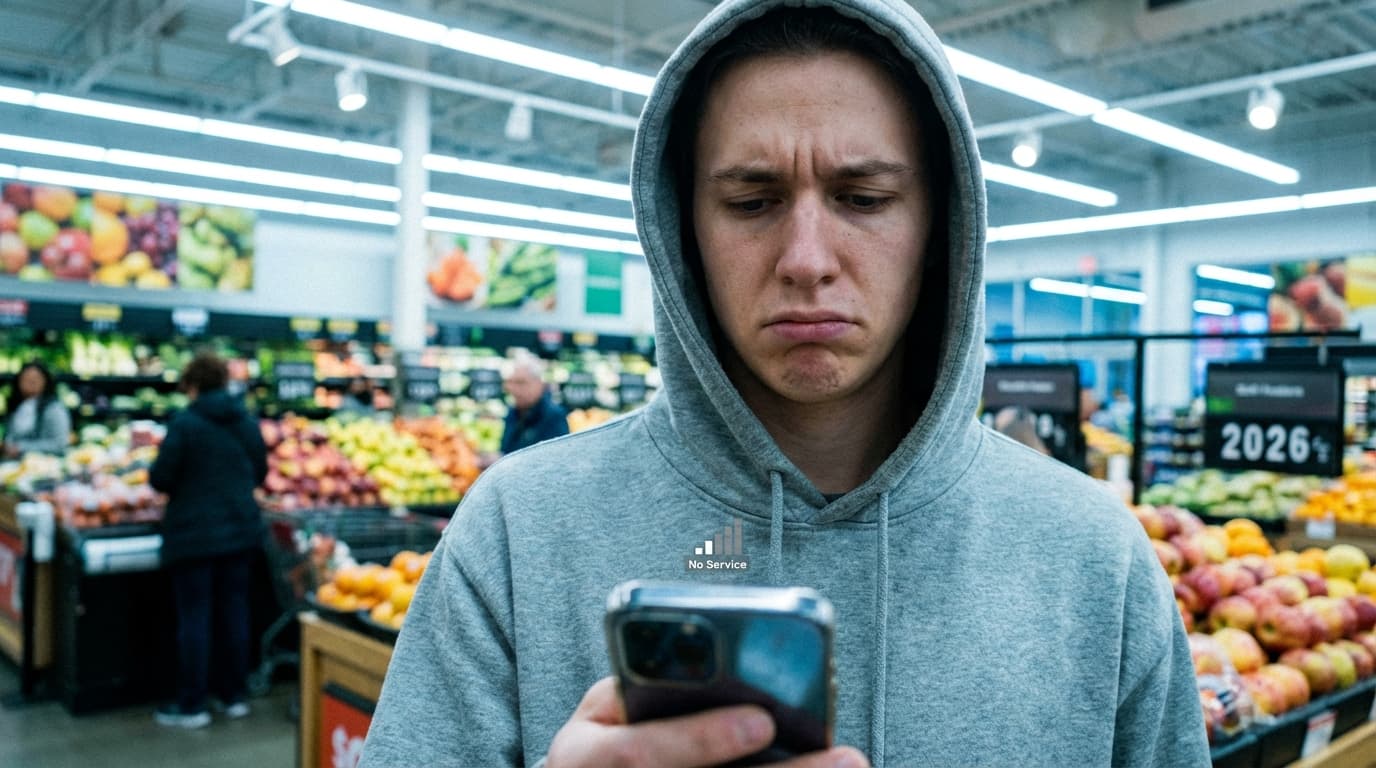
If you have ever stood in the dairy cooler watching a spinner because the list would not load, you already know why offline matters. Grocery stores are built for refrigeration and shelving, not cellular engineering. Basement-level produce, metal shelving acting like a cage, and crowded weekend traffic on local towers all add up to the same thing: your phone is sometimes wrong about whether it is online.
This article is not a lecture about technology. It is a practical look at what offline support changes in real shopping, how sync behaves when you come back, and how to build habits that do not fall apart the first time the network hiccups. If you shop with kids, a partner, or a roommate who adds items while you are already in line, the same ideas apply. For a shorter family-focused angle, the page offline grocery app for families covers similar ground with different framing.
What "offline" actually means for a list
Offline does not mean you live in a cave without internet forever. It means the list you already opened stays readable and editable when the connection drops. You can still check items off. You can still add the thing you forgot when you walked past the pasta aisle. You are not blocked by a blank screen and a retry button.
That distinction matters because some apps treat offline as an afterthought. They cache a snapshot once, then refuse to merge changes cleanly when you reconnect. A good offline experience pairs local usability with reconciliation later. You should not have to think about conflict resolution while you are holding a basket. You want convergence: one list state that looks sane after sync catches up.
Why grocery stores break connectivity
Concrete and steel attenuate signal. Older buildings with thick walls do the same. Even when the status bar shows full bars, latency can spike when everyone in the store is streaming music and the local tower is saturated. The failure mode is not always "zero bars." Sometimes it is intermittent stalls that feel like the app froze.
If your list only works when requests complete in under a second, you will blame the app for what is really physics. Offline-capable lists sidestep that by keeping the interaction local first. The network becomes a backup path for sharing and backup, not a gate for tapping a checkbox.
The emotional cost of a spinner in aisle six
People joke about first-world problems, but the stress is real when you are trying to keep a toddler from grabbing cereal and your list will not render. You revert to memory, then you buy the wrong milk fat percentage, then you hear about it at breakfast for a week.
Offline mode is partly about speed and partly about dignity. You get to stay in the flow of shopping instead of negotiating with a loading state. That is why I care about it as a product decision, not as a bullet on a feature grid.
Checked items, unchecked items, and local edits
When you work offline, the app records your taps locally. If someone else on a shared list edits the same line around the same time, the system has to merge intelligently when connectivity returns. The goal is not perfect real-time merge magic while you are offline. The goal is no silent data loss and no duplicate chaos when the world reconnects.
If something looks wrong after you get four bars again, refresh once before you panic-delete. Most odd states are lag, not loss. If you truly lose data, that is worth a bug report. I mention this because panic edits create real duplicates, and duplicates create more panic. Slow down for ten seconds.
Shared lists when only one shopper has signal
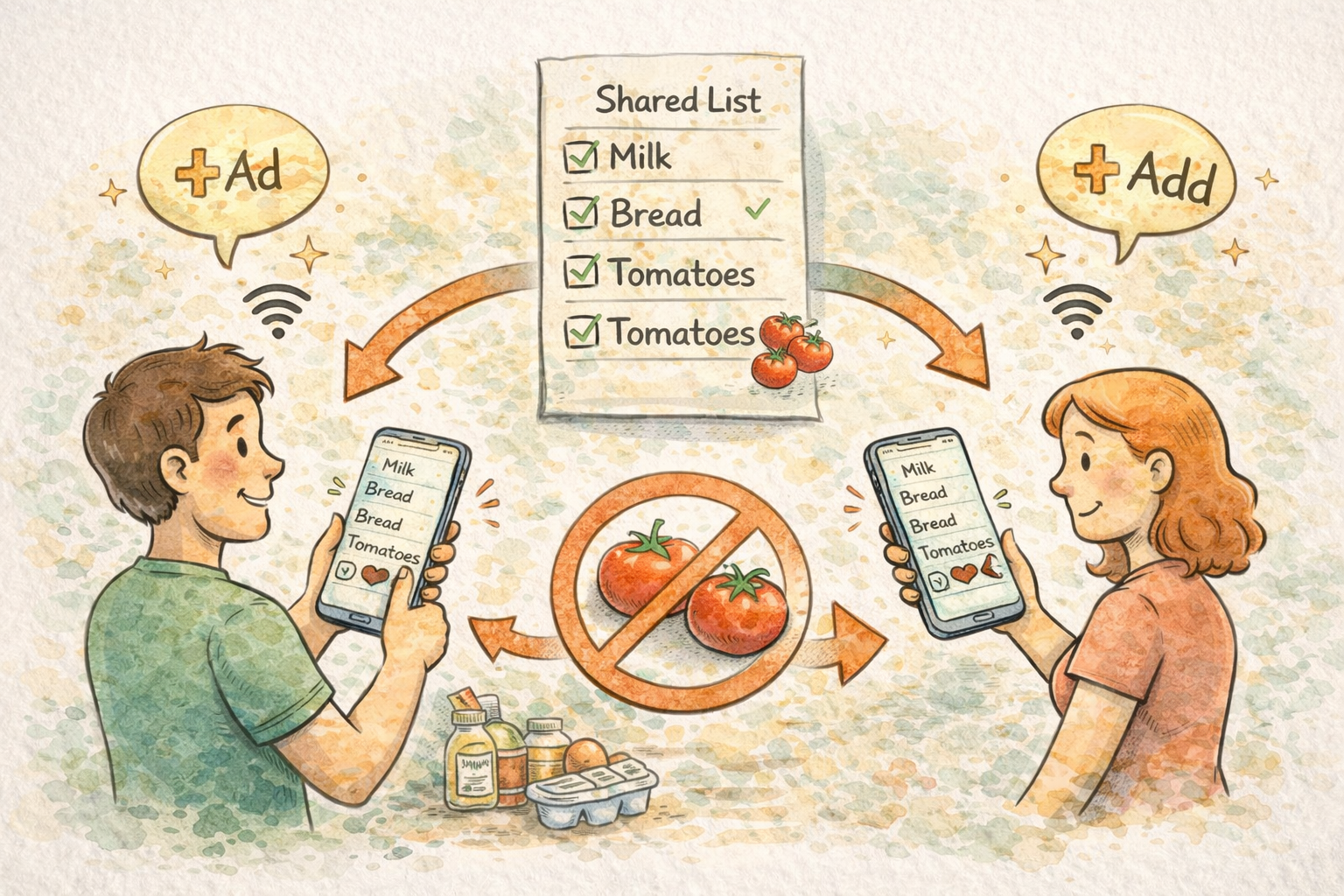
Households split work. One person might add items from home Wi-Fi while another is already in the store with patchy service. Offline-friendly behavior keeps the in-store person productive while the at-home person keeps planning. When both sides sync, you want convergence without duplicate milk lines.
If you are onboarding a partner who is skeptical of apps, start with one shared list and a simple rule: urgent items get a note with size or brand. The shared grocery list app landing page is a stable URL to send people who want the pitch without reading a full blog post.
Scenarios where offline wins
Subway or basement retail. Same problem as grocery: metal, concrete, crowds.
Rural stores with weak towers. You might have LTE in the parking lot and edge inside. Your list should not care.
International travel or roaming reluctance. Some people keep data off to avoid charges. Your list should still work for a local shop run.
Airplane mode by habit. If you battery-save by toggling radios, you still need local access.
Camping or cabin weekends. If you use a list for a camp cooking run, connectivity might be a luxury. The camping grocery list page is a useful template anchor if that is your use case.
Offline and emergencies
Emergency shopping is stressful enough without connectivity as a gatekeeper. If you keep a short emergency stash list, store it in the same system as your normal workflow so you are not maintaining two mental apps. The emergency grocery list page is there for people who want a structured starting point.
Battery anxiety versus connectivity anxiety
Turning off radios can save battery. Offline-capable lists mean you can sometimes leave data off in-store if you want, and still operate. That is a niche habit, but it matters for long shopping days or older phones with weak batteries.
What to ignore
Ignore advice that says real shoppers only use paper. Paper works. So does digital with offline support. Pick based on whether you lose paper, whether you share with others, and whether you want history without a shoebox of receipts.
Ignore shame about being bad at phones. The interface should be forgiving. If an app makes you feel dumb because the network failed, the app failed.
Teaching kids and partners the same habit
If teenagers add snacks from school Wi-Fi while a parent shops, explain that offline edits sync later. Otherwise someone assumes malice when items shift. Household tech fights are almost never malice. They are timing.
Weekly planning still happens on Wi-Fi
Offline is about execution in bad conditions. Planning still benefits from a calm connection at home. If you map a week on the web app with a keyboard, then run the store on your phone, you are using the right tool per moment. The weekly grocery list planner page fits that rhythm if you want an external reminder of the habit.
Comparing approaches without dogma
Some people keep a paper sticky for coupons and a digital list for everything else. Some people use voice memos for capture and translate into the list later. The winning system is the one you maintain. Offline support removes one common failure mode from the digital side.
Dark mode and bright stores
Bright fluorescents bother some people more than they admit. If you want a darker interface in-store, theme settings matter. The shopping list app with dark mode page explains the product angle in one place.
Privacy in public spaces
Shoulder surfing happens. A clean list without sensitive notes in giant type is a small win. Offline does not directly fix that, but it does reduce the time you stand still staring at a broken load while strangers wait.
Long lists and scanning offline
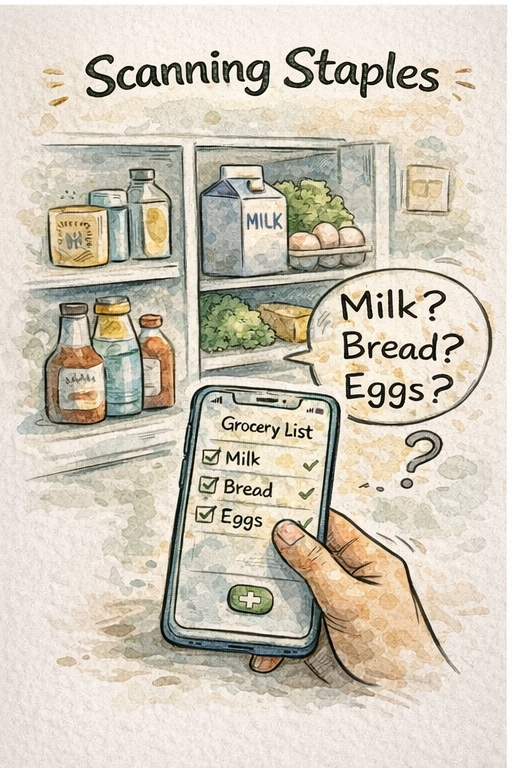
When the list is long, you still need to scan efficiently. Offline does not fix bad organization. Categories and store sections still matter. If your list is a wall of text, consider splitting bulk staples from meal-specific lines. Organization articles on this blog go deeper; the point here is that offline access does not replace structure.
When sync returns: a sane default behavior
After connectivity comes back, you want the list to look like one truth. If you see brief duplication, do not duplicate your edits. Pause, refresh, and let merge logic finish. Most users who report "the app duplicated everything" were tapping faster than the network.
Offline and budgets
If you shop with a budget mindset, offline access helps you stick to the list you already agreed on instead of improvising under stress. For money-focused templates, budget grocery list is a useful companion page.
Diet-specific lists and weak signal
If you follow a diet with strict vocabulary, you want those items present even when the network is not. Pages like gluten-free grocery list or low-FODMAP grocery list can anchor language, while your app holds the weekly execution.
Testing your own setup without drama
You do not need a lab. Pick a store where you already know the signal is bad, open your list near the back wall, and try a simple edit with data temporarily off. If that feels calm, your habits will survive real weekends. If it feels fragile, fix the workflow before you are hungry and in a hurry.
Closing
Offline support is not a luxury feature for nerds. It is a reliability layer for a task you do while moving, while distracted, and while physics is quietly sabotaging your signal. ListiMate is built to stay usable in those moments and to sync when the world catches up.
If this was useful, pair it with the longer collaboration piece on shared lists and the practical guide to no-duplicate systems. Different articles, same goal: fewer extra trips, fewer arguments in the snack aisle, and a list that still works when the store Wi-Fi refuses to.

Author
Ahmed Mahfouz
Founder of ListiMate, focused on building smarter shopping habits.