
Product
Account settings, themes, and the small stuff that prevents mistakes
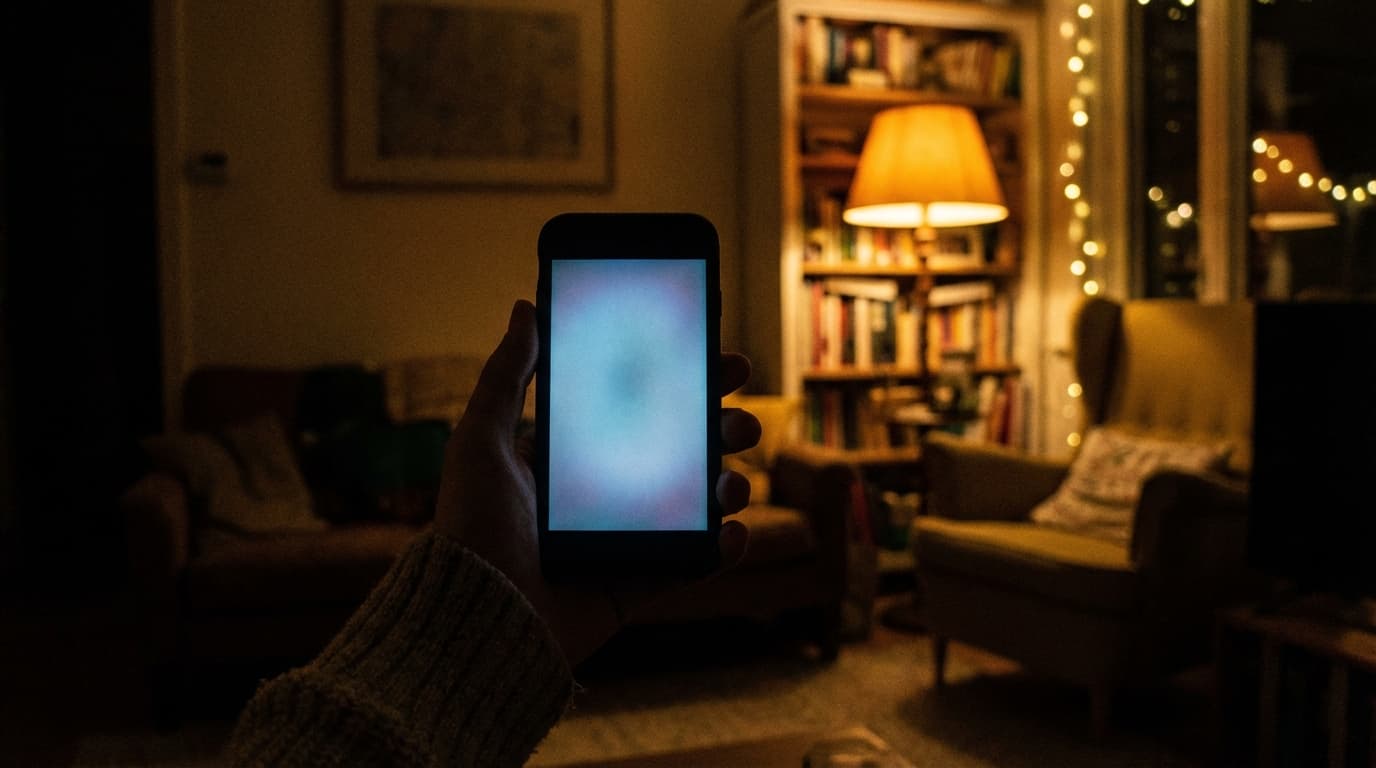
People talk about smart check, duplicate prevention, and sharing first because those features touch the list every week, and that is fair. Account settings sit one layer back, and that is why they cause quiet damage when they are wrong. You sign into the wrong identity and think your data vanished. You pick a theme that looked fine on the couch at noon and then fight glare in a fluorescent aisle at night. You leave default notifications on, learn to ignore them, and miss the one ping that actually mattered. None of that is dramatic enough for a headline, but it is the kind of friction that makes people say the app feels unreliable when the list logic was fine.
This article is about that boring layer: how to keep one stable account across devices, how dark mode and display choices connect to real store lighting, and how naming, notifications, and small accessibility choices reduce mistakes in shared households. If you want a short marketing angle without the essay, shopping list app with dark mode stays compact on purpose.
One identity across phones, laptops, and tablets
Households fracture when someone creates a second account by accident. The list looks empty, panic rises, and the bug report is really a sign-in problem. The fix is almost always procedural: agree on one email or one OAuth provider, log in once per device, and verify that both screens show the same list title before anyone declares data loss. If you bounce between a phone and a laptop, resist the urge to try “the other sign-in button” when something looks odd; alternate OAuth paths can mint a second identity that looks like a missing list.
Naming lists plainly also matters. “Groceries” beats “List 2” when a partner joins late at night. If bulk shopping lives on its own cadence, say so in the title so nobody shops the weekly list when they meant the monthly stock-up. Profile photos are optional everywhere, but on a shared kitchen tablet they can be the fastest way to see which account is active when more than one person uses the same device. Visual beats reading an email address with wet hands.
If adult children help parents shop, the same clarity prevents editing the wrong list or ordering from an account the parent does not actually use. Spend ten minutes on sign-in once instead of repeating confusion at the store. Roommates rotate; accounts should not rotate with them if you can help it. When someone moves out, revoke access deliberately rather than abandoning a list full of personal notes. The college student grocery list page is a practical link when new housemates show up mid-semester.
Dark mode, glare, and when the screen is not decorative
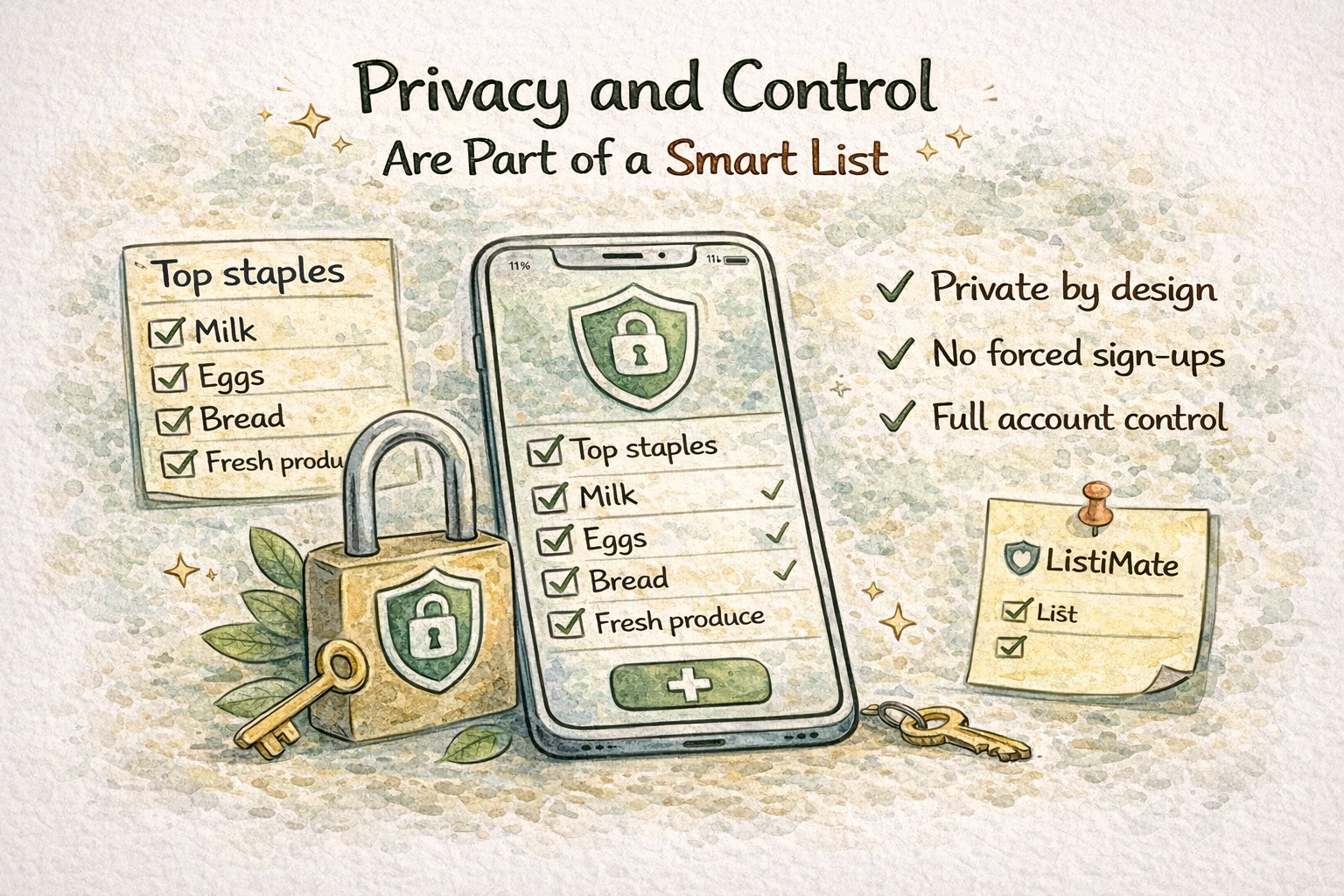
Bright interfaces read as crisp in daylight at home. Under harsh store lights late in the day, the same white background can feel like a flashlight in your face. Dark themes cut glare for many people and matter for migraine sensitivity or photophobia in ways that have nothing to do with fashion. Dark mode does not change your categories; it changes how long you can look at a screen without fatigue, and fatigue is where scanning errors and wrong taps come from. On some OLED phones, darker pixels also draw a bit less power. That will not change your life in a twenty-minute trip, but it can matter if you habitually shop at twenty percent battery.
Seasonal daylight matters too. Winter evenings look different from summer evenings. If February shopping feels harder on your eyes than July did, revisit contrast and theme instead of squinting for three months because you forgot those toggles exist. Theme consistency between web and mobile is optional: matching can reduce mental overhead, but if you like light on the laptop and dark in the store, that split is fine as long as each environment is comfortable. Ignore online arguments about which look is “professional”; use what your eyes prefer where you actually shop.
Kitchen tablets add another constraint: pick a theme that reads from a stand under under-cabinet glare, and expect sticky fingers to miss taps sometimes. Calmer colors and larger targets reduce rage taps more than another tutorial ever will.
Notifications, haptics, and attention as a budget
Some households want reminders. Some want silence. Product defaults often skew toward engagement because businesses like attention. For groceries, attention is finite. If notifications train you to ignore them, turn them off and rely on routine. If reminders matter, put them on the device that actually buzzes in your pocket, which is usually the phone, not the browser tab you left open on the work machine. Small haptic feedback on check actions helps some people confirm a tap without staring; others find vibration rude in a quiet aisle. Treat sound and haptics as preferences, not obligations.
Language, units, diet pages, and household rules
If your household mixes languages or unit habits, decide what the list uses and hold the line. Translating in the cheese aisle wastes time and causes wrong packages. If one person thinks in pounds and another in kilograms, put the unit in the note field on the lines that matter. Diet landing pages like vegetarian grocery list or diabetic grocery list give vocabulary; a stable account and list give you somewhere to run that vocabulary week after week instead of scattering screenshots in chat.
Large families invent roles even when the app does not expose formal permissions. Parents edit categories; kids add requests. Write the rules in plain language in a shared note when needed so nobody has to guess. See grocery list for large family for high-level framing. Couples juggling two accounts and one shared list should keep invites clean: mixing a work email on one device with a personal email on another fragments identity fast. The grocery list for two people page is an easy link for partners who want a short explanation without this much detail.
Accessibility, motion, and recovery without paranoia
Font scaling, contrast, and motion settings are not niche concerns. If your system text is large, the list app still needs to remain scannable. If reduced motion matters for you, stable layouts beat flashy transitions for a task that is already noisy enough. You do not need daily exports of a grocery list unless you are unusually disciplined about price history; you do need a sane recovery path. Use a password manager for sign-in methods, or store recovery codes somewhere dull and safe if you refuse managers.
When you change phones, open the app on Wi-Fi, scroll the list once, and confirm counts before you wipe the old device. Most scares are timing, not loss. Travel and roaming add another wrinkle: if you turn data off abroad, the list should still open locally. Offline behavior pairs with account stability so you are not tempted to spin up a second throwaway list on vacation. Pair stress about money with calmer visuals: if every wrong tap feels expensive, settings that reduce glare and confusion buy real peace of mind. The budget grocery list page complements that mindset.
Work profiles, experiments, coupons, and closing habits
If you carry a work phone and a personal phone, decide once where the household list lives. Splitting across profiles invites mistakes; if you must split, name lists aggressively and pin the canonical one. Beta and experimental toggles are fun until Thanksgiving week; for grocery work, boring stability usually beats shiny instability, so turn experiments off before high-stakes cooking stretches.
Paper coupons still exist. Let the digital list reference what the coupon covers without duplicating the entire coupon pile in the app. A short note like “cereal coupon in wallet” beats stalling the checkout line because nobody remembers which pocket held the paper.
If you treat settings as a one-time setup chore, revisit them when your life changes: new job with different hours, new baby with different sleep, new store with different lighting. The right configuration for last year is not automatically the right configuration for this one. A five-minute audit of theme, text size, and notification channels costs almost nothing compared to a month of avoidable mistakes in the cart.
Account settings sit behind the flashy features, yet they decide whether those features feel trustworthy month after month. Pick a stable sign-in, choose themes for the lighting where you actually shop, and treat notifications and motion as yours to tune. ListiMate is built so personalization supports how you shop, not how a demo video shops. When you are ready to adjust yours, start from thelistimate.com. Bring the same patience you bring to the list itself: small, steady fixes beat one heroic overhaul you never maintain after the first week.

Author
Ahmed Mahfouz
Founder of ListiMate, focused on building smarter shopping habits.